 Skip to content
Learning how to use mind maps for topical map creation gives you a fast, visual way to brainstorm and structure your content before committing it to a spreadsheet. A mind map puts your core topic at the center and branches out into subtopics, so you can see the whole subject at once, spot gaps, and understand how everything connects. This guide shows you how to use mind maps to plan a topical map, step by step.
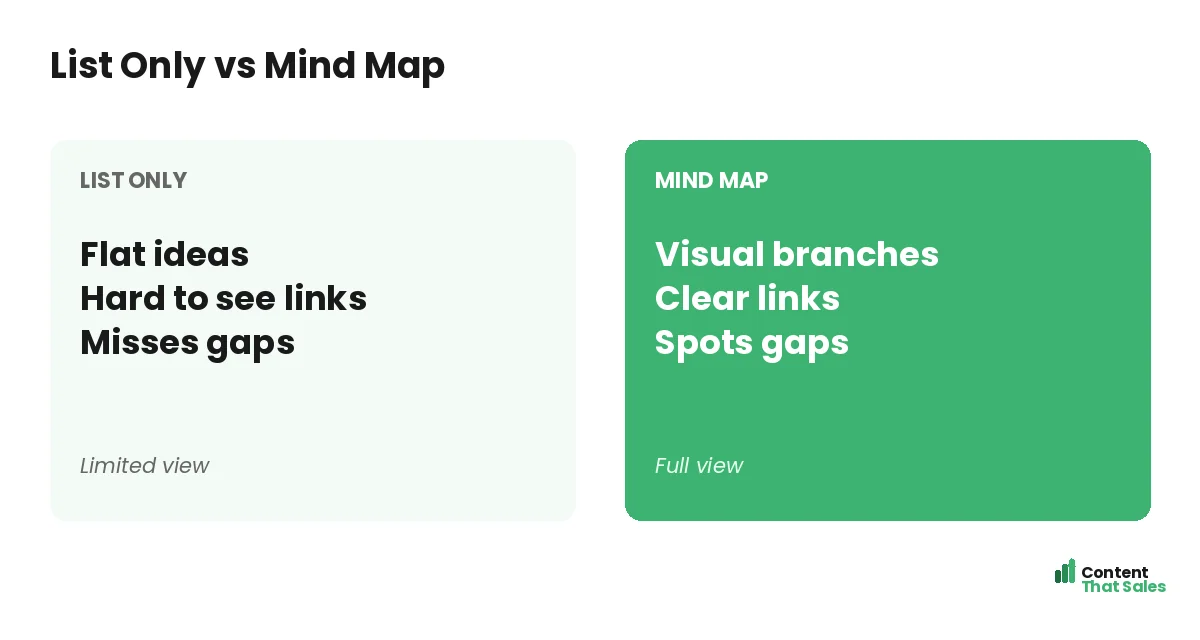
Lists are linear and flat, but topics are not, they branch and connect. A mind map matches how subjects actually work, making it the perfect tool for the brainstorming and structuring stage. Once your map takes shape visually, you move it into a spreadsheet to execute.
Below, we cover why mind maps help, how to build one for a topical map, and how to turn your visual map into a workable content plan.

Why Mind Maps Work for Topical Maps
A mind map is a visual diagram with a central idea and branches radiating out. This structure mirrors a topical map perfectly: a core topic at the center, subtopics branching off, and clusters forming naturally. Seeing it visually unlocks better thinking.
Mind maps suit the early, creative phase of mapping. If you need the overall process first, see our guide on how to build a topical map. The mind map is where you brainstorm and structure before formalizing the plan.
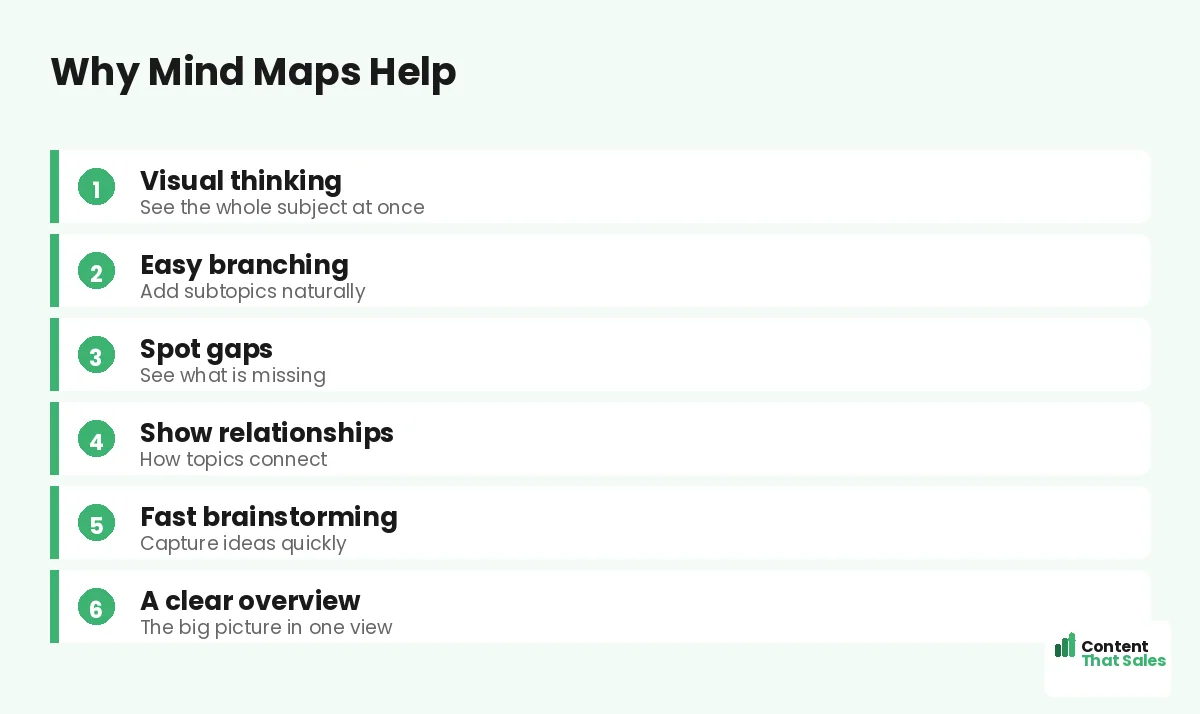
See the Whole Subject at Once
The biggest advantage of a mind map is the overview. Instead of a long, flat list, you see your entire subject in one view, the core, the branches, and how they relate. This big-picture clarity is hard to get from a spreadsheet alone.
Seeing everything at once helps you grasp the scope of your subject and how its parts fit together. It reveals the shape of your coverage and makes the next steps obvious. The visual overview is a thinking aid the linear list cannot match.
Branch Out Naturally
Mind maps let you branch ideas naturally, the way your brain works. Start with the core topic, add main subtopics as branches, then add sub-branches for narrower ideas. The free-flowing structure encourages you to keep expanding without forcing premature order.
This natural branching is great for brainstorming. You capture ideas as they come and organize them visually, adding and rearranging freely. The map grows organically until you have a full picture of your subject and its subtopics.
Spot the Gaps
A visual map makes gaps obvious. When you see your branches laid out, sparse or missing areas jump out, the subtopics you have not covered. This is harder to notice in a list, where everything looks equally complete.
Spotting gaps is essential for complete coverage, which is what builds authority. The mind map’s visual nature turns gap-finding into a glance. Fill those gaps and your eventual content covers the subject fully, building the topical authority a strong map is meant to deliver.
Show How Topics Connect
Mind maps reveal relationships. The branches and their connections show how subtopics relate to each other and to the core. This helps you plan internal linking later, since the visual connections often mirror the links your pages should have.
Understanding these relationships is part of building real coverage. Since readers scan more than they read, content that reflects clear topic relationships serves them better, and the mind map helps you see those relationships first.
Brainstorm Quickly
Mind maps are fast. The visual, free-form format lets you capture ideas as quickly as they come, without worrying about order or formatting. This makes them ideal for the initial brainstorm, when you want quantity of ideas before refining.
Speed matters in the ideation phase. A mind map removes friction, so you can dump every subtopic and question you think of, then organize afterward. This fast capture often surfaces ideas a slower, structured tool would miss.
Did you know?
A mind map makes missing subtopics jump out visually, so gaps in your coverage are far easier to spot than in a flat list of topics.
How to Build a Topical Mind Map
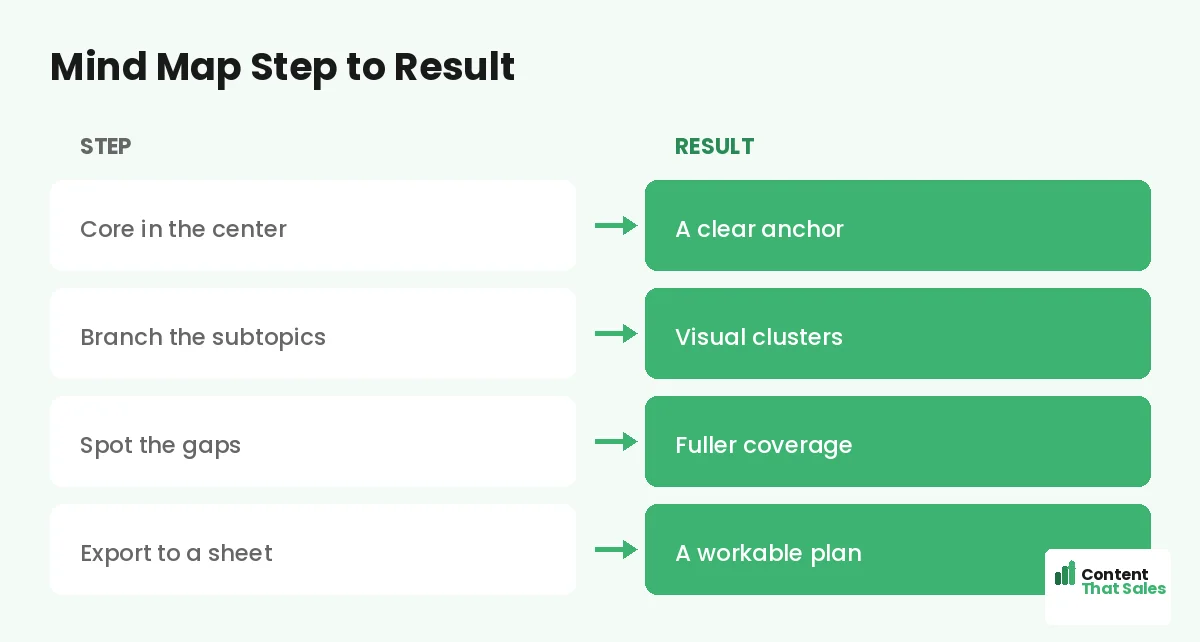
Start by placing your core topic in the center. Add main branches for your major subtopics, then sub-branches for narrower topics under each. Keep branching until you have captured the full subject. Add questions and ideas freely as they occur.
Then refine: group related branches, fill gaps, and trim anything off-topic. The result is a visual topical map showing your core, clusters, and subtopics. This becomes the blueprint you then translate into a structured plan.
Move From Mind Map to Spreadsheet
A mind map is great for planning but harder to execute from. Once your visual map is complete, transfer it to a spreadsheet, each branch becoming a row with its cluster, keyword, and status. The mind map plans; the spreadsheet executes.
This handoff combines the strengths of both. For the spreadsheet step, see our guide on building a topical map in Google Sheets. Brainstorm visually, then track and execute in the sheet, the best of both tools.
Mind Maps and Frameworks
A mind map naturally produces a hub-and-spoke or pillar-and-cluster shape, the core at the center is your hub or pillar, and the branches are your spokes or clusters. So mind mapping aligns perfectly with proven topical map frameworks.
This makes the mind map a natural fit for structuring. As you branch, you are effectively designing your clusters. For more on the structures, see our guide on topical map frameworks. The mind map visualizes the framework you will build.
Use Any Mind-Map Tool
You can mind map with software or just pen and paper. Digital tools make it easy to rearrange and share, while paper is fast and frictionless for quick brainstorms. Either works, the value is in the visual thinking, not the tool itself.
Many free mind-map apps exist, so cost is no barrier. Choose whatever lets you capture and organize ideas comfortably. The point is to externalize your thinking visually; the specific tool matters far less than the act of mapping it out.
Put It All Together
To use mind maps for topical map creation, place your core topic at the center, branch out into subtopics and clusters, spot and fill gaps, and capture how topics connect, then move the finished map into a spreadsheet to execute.
Mind maps shine in the brainstorming and structuring phase, giving you a visual overview that lists cannot. Simple, clear content keeps winning, since easy reading lifts engagement. Brainstorm visually, execute in a sheet, and your topical map comes together fast.
How Content That Sales Helps
We map your subject visually, then build it. That’s where we come in. At Content That Sales, we brainstorm your topic into a clear structure, fill the gaps, and write the connected pages that turn the plan into ranking content.
You share your subject and goals. We structure the full map, organize the clusters, and produce the content. The result is a complete, well-planned topical map and the pages that fill it, without you needing to map it all yourself.
Ready to Map Your Subject Visually?
Now you know how to use mind maps for topical map creation: center your core topic, branch out, spot gaps, and move to a spreadsheet. Visual thinking makes planning faster and clearer. So why brainstorm in a flat list?
Let’s map your subject and build the content. Book your free consultation now. Call us at 8801631988589 or email service@contentthatsales.com. Let’s turn a visual map into rankings.
Frequently Asked Questions About Mind Maps for Topical Maps
Why use a mind map for a topical map?
Its central-idea-with-branches structure mirrors a topical map perfectly, letting you see the whole subject, brainstorm subtopics, and spot gaps visually before formalizing the plan.
What goes in the center?
Your core topic, the single subject your map covers. Major subtopics branch off it, and narrower topics branch from those, forming your clusters.
How do mind maps help spot gaps?
Seeing your branches laid out visually makes sparse or missing areas obvious, which is far harder to notice in a flat list where everything looks equal.
Are mind maps good for brainstorming?
Yes. Their fast, free-form format lets you capture ideas as they come without worrying about order, ideal for generating subtopics before you refine.
Do I still need a spreadsheet?
Usually yes. A mind map is great for planning but harder to execute from. Transfer the finished map to a spreadsheet to track and build the pages.
Do mind maps fit topical map frameworks?
Yes. A mind map naturally produces a hub-and-spoke or pillar-and-cluster shape, with the core at the center and branches as spokes or clusters.
What mind-map tool should I use?
Any that lets you capture and organize ideas comfortably, software or even pen and paper. The value is in the visual thinking, not the specific tool.
Can Content That Sales help?
Yes. We structure your subject into a clear map, fill the gaps, and write the connected pages that rank. Reach out for a quick quote.