 Skip to content
Knowing how to connect pillar and cluster pages with internal links is what turns a set of related articles into a single, authoritative group that ranks. The links are the glue: the pillar links down to its clusters, each cluster links back up to the pillar, and clusters link across to related pages. Get this linking right and authority flows where you want it. This guide shows you exactly how to connect them.
You can write a great pillar and strong clusters, but without the right internal links, they are just separate pages. The links are what make them a cluster in Google’s eyes, sharing authority and signaling that they belong together.
Below, we cover the links that connect pillars and clusters, how to place them, what anchor text to use, and the mistakes to avoid.

Why the Links Matter
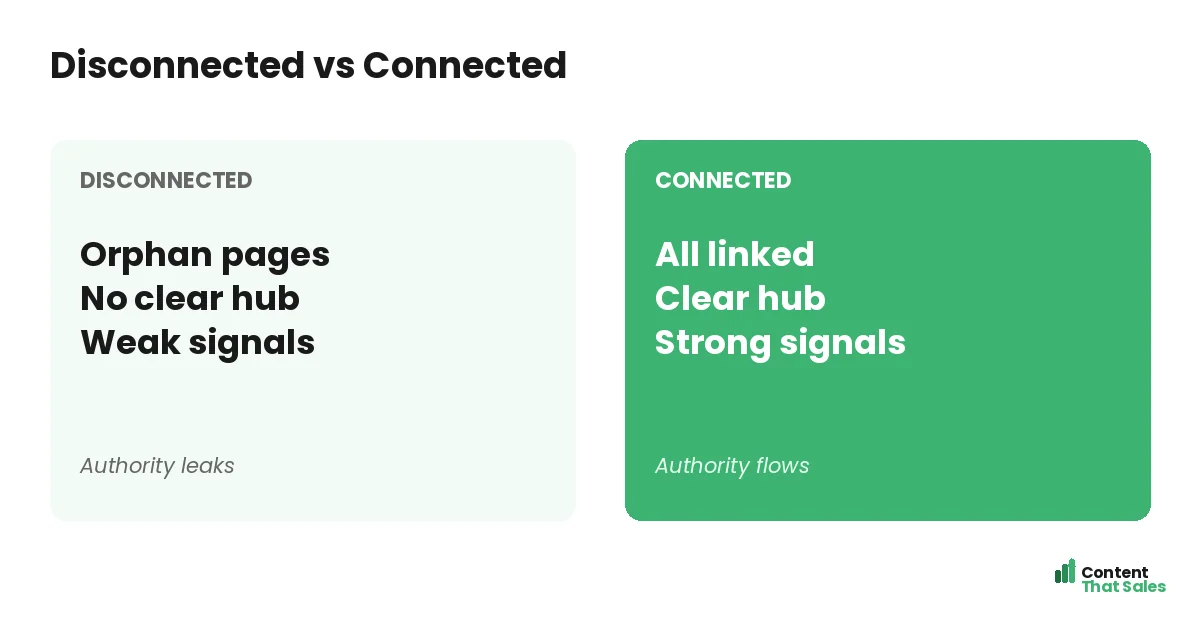
Internal links are what bind a pillar and its clusters into a connected group. They spread authority between the pages, show Google the pages belong together, and help readers move from overview to detail. Without them, the cluster is just isolated articles.
This is the practical heart of building topical authority. The structure comes from the pillar-and-cluster framework, but the links are what activate it. Connecting the pages well is what makes the whole group rank as a unit.
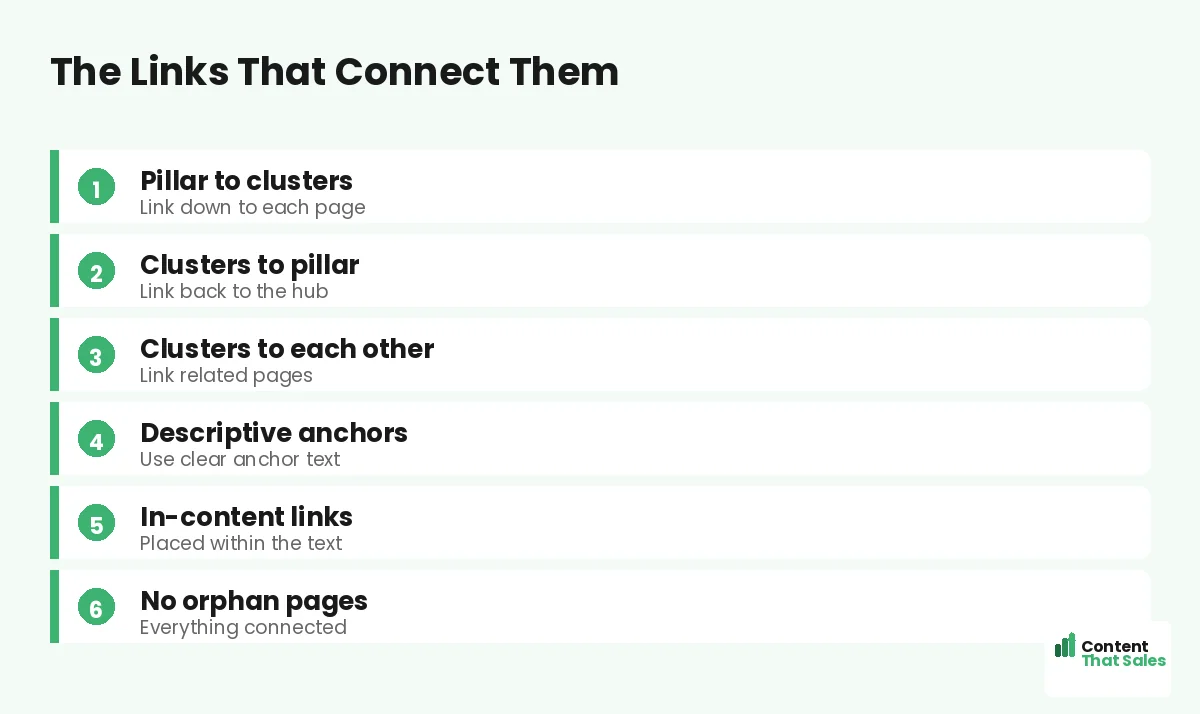
Pillar Links Down to Clusters
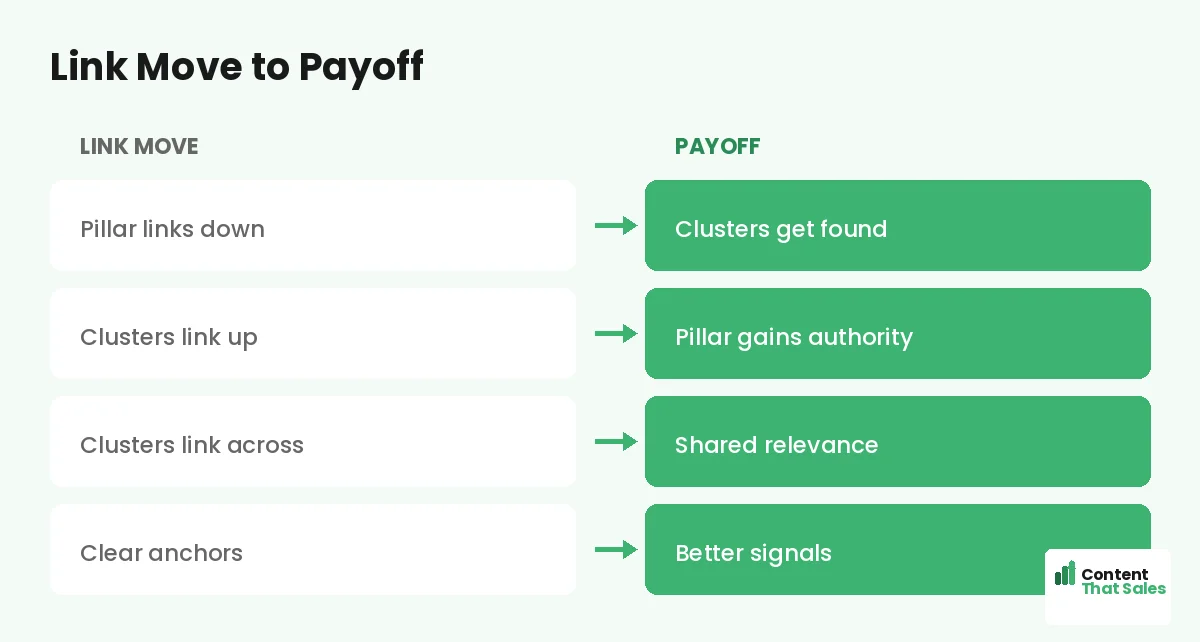
The first connection: the pillar page links to every cluster page beneath it. As the pillar covers each subtopic at an overview level, it links to the cluster page that covers that subtopic in depth. This routes readers and authority down to the clusters.
These links also let the pillar stay an overview rather than an everything-page, sending readers to the clusters for detail. Make sure no cluster page is left unlinked from the pillar; every one should be reachable from the hub.
Clusters Link Back to the Pillar
The second connection: every cluster page links back up to the pillar. This passes authority to the pillar and signals that the cluster belongs to that group. A cluster that does not link to its pillar is a missed connection that weakens both.
Link to the pillar from within the cluster’s content, using clear anchor text that names the pillar topic. For more on this direction, see our guide on how to internally link cluster pages to pillars. Every cluster should link up.
Clusters Link to Each Other
The third connection: cluster pages link across to related cluster pages. When two clusters cover related subtopics, linking them helps readers and reinforces the cluster’s internal web. This cross-linking strengthens the whole group beyond just the pillar.
Do not force it, only link clusters that are genuinely related. But where the connection is natural, the link adds value. These sibling links, alongside the pillar links, complete the connected structure that makes a cluster powerful.
Place Links Within the Content
Where you place links matters. The strongest internal links sit within the body content, woven naturally into relevant sentences, rather than only in a list at the bottom. In-content links carry more weight and feel more natural to readers.
Place each link where it is genuinely relevant in the text. Since readers scan more than they read, a contextual link at the right moment is more likely to be followed than a buried one. Put links where they help.
Use Descriptive Anchor Text
Anchor text, the clickable words of a link, should describe the page it points to. Descriptive anchors tell both readers and Google what the linked page is about, reinforcing relevance. Avoid vague anchors like click here that say nothing.
Use natural, descriptive phrases that name the target topic, and vary them sensibly rather than repeating the same exact phrase. For the full approach, see our guide on anchor text strategy for topical maps. Good anchors strengthen the connection.
Did you know?
Internal links placed within the body content typically carry more weight and get followed more often than links tucked in a list at the bottom of the page.
Leave No Orphan Pages
An orphan page is one with no internal links pointing to it. Orphans are hard for Google to find and value, and they sit outside your cluster’s authority flow. Every cluster page should have links in, at least from the pillar and ideally from siblings.
Check that every page in your cluster is linked from somewhere relevant. Orphans waste good content. Connecting every page into the cluster ensures all your work contributes to the group’s authority rather than sitting unseen and unsupported.
Keep Links Relevant
Connect pages because they are genuinely related, not just to add links. Relevant links help readers and reinforce real topic relationships; irrelevant ones confuse both readers and Google. Quality and relevance matter more than sheer link count.
Before adding a link, ask whether it genuinely helps the reader and reflects a real connection. If yes, include it; if not, skip it. A cluster connected by relevant, purposeful links is far stronger than one stuffed with random ones.
Plan the Links in Your Map
The easiest way to connect pages well is to plan the links in your topical map before you write. Note which pillar each cluster links to and which siblings connect. Then, as you write each page, you know exactly what to link.
Planning links in your map turns connecting pages from an afterthought into a deliberate part of the structure. It also helps you spot orphans before they happen. A linking plan ensures every page joins the cluster from the moment it is published.
Audit Your Links Regularly
Connections can break or get missed as your cluster grows. Periodically audit your internal links to catch orphan pages, missing pillar links, and broken links. A regular check keeps your cluster fully connected and authority flowing.
For the full process, see our guide on running an internal link audit for a topical map. Simple, clear content keeps winning, since easy reading lifts engagement, and well-connected pages keep readers moving through your content.
Put It All Together
To connect pillar and cluster pages, link the pillar down to every cluster, link each cluster back up to the pillar, and link related clusters across. Place links within the content, use descriptive anchors, leave no orphans, and keep links relevant.
These connections are what turn separate pages into a cluster that ranks as a unit. Plan the links in your map, build them as you write, and audit them over time. Strong internal linking is what makes your pillar and clusters work together.
How Content That Sales Helps
We connect your pages so they rank together. That’s where we come in. At Content That Sales, we plan and build the internal links between your pillars and clusters, so authority flows and your groups rank as units.
You share your pillars and clusters. We map the links, write the connected pages with descriptive anchors, and leave no orphans. The result is a tightly connected structure where every page strengthens the whole.
Ready to Connect Your Cluster?
Now you know how to connect pillar and cluster pages with internal links: link down, link up, link across, with clear anchors and no orphans. The links are what make the cluster rank. So why leave your pages disconnected?
Let’s connect your pillars and clusters. Book your free consultation now. Call us at 8801631988589 or email service@contentthatsales.com. Let’s turn separate pages into a group that ranks.
Frequently Asked Questions About Connecting Pillars and Clusters
How do I connect pillar and cluster pages?
Link the pillar down to every cluster, link each cluster back up to the pillar, and link related clusters across. These connections turn separate pages into one group.
Why do internal links matter here?
They spread authority between pages, show Google the pages belong together, and help readers move from overview to detail. Without them, the cluster is isolated articles.
Should every cluster link to the pillar?
Yes. Every cluster page should link back to its pillar, passing authority up and signaling it belongs to the group. A cluster that does not link up weakens both.
Where should I place the links?
Within the body content, woven into relevant sentences, rather than only in a list at the bottom. In-content links carry more weight and get followed more.
What anchor text should I use?
Descriptive phrases that name the target topic, varied sensibly. Avoid vague anchors like click here. Good anchors reinforce relevance for readers and Google.
What is an orphan page?
A page with no internal links pointing to it. Orphans are hard to find and sit outside your authority flow. Every cluster page should have links in.
Should I plan links in advance?
Yes. Note in your map which pillar each cluster links to and which siblings connect, so you know exactly what to link as you write each page.
Can Content That Sales help?
Yes. We plan and build the internal links between your pillars and clusters so authority flows and your groups rank as units. Reach out for a quote.