 Skip to content
Building a topical map with Claude is a fast, reliable way to plan your content strategy. Claude handles long context well, so you can feed it your whole topic, audience, and goals, then have it generate pillars, cluster topics, keywords, and a full map structure in one conversation. The trick is giving it rich context and clear instructions. This guide shows you how to build a strong topical map with Claude, step by step.
A topical map is the plan for covering your subject completely so search engines treat you as an authority. Claude makes building that plan faster, turning hours of brainstorming into a focused, guided conversation.
Below, we walk through how to prompt Claude at each step, and how to refine its output into a real, rankable map.

Why Use Claude for a Topical Map
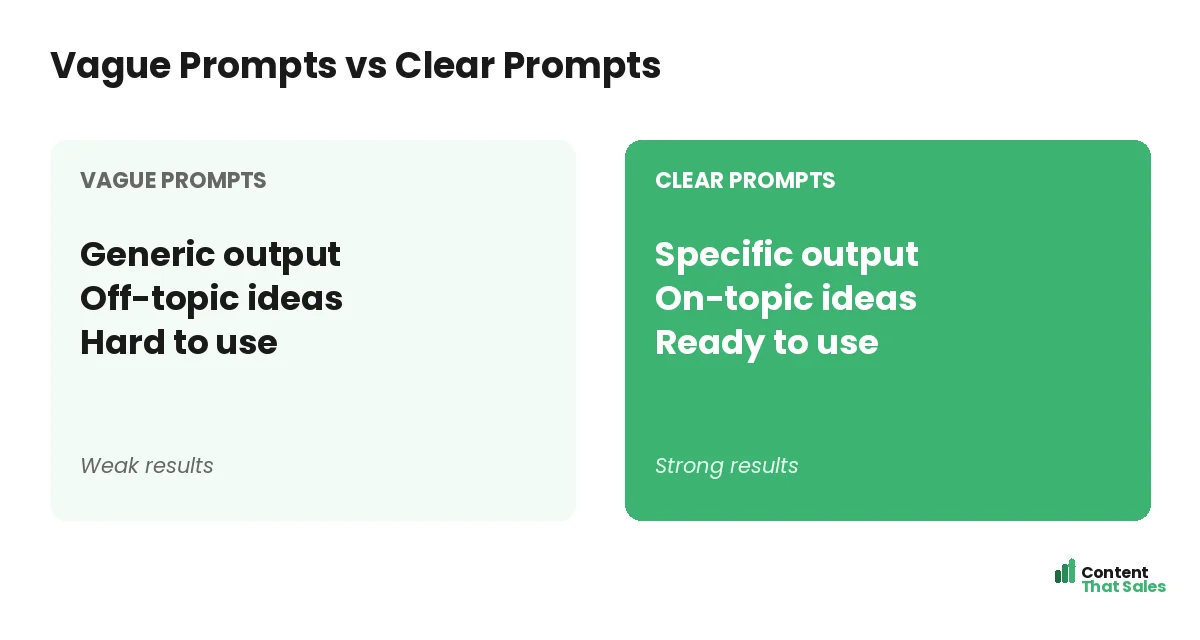
Claude is strong at handling detailed context and producing organized, structured output. For map-building, that means you can give it a lot of background and get back a thorough, well-grouped draft. It is a capable drafting partner for planning.
It works best when you guide it. Claude speeds up building a topical map, but you provide the strategy and refine the result. Its ability to hold long context makes it especially good at keeping a whole map coherent.
Give Claude Full Context First
Start by giving Claude rich context, your topic, niche, audience, goals, and any existing content. Claude uses long context well, so the more relevant detail you provide, the more tailored and accurate its suggestions will be.
This is Claude’s strength, so use it. A detailed setup prompt produces a map shaped to your actual business, not a generic one. Spend time on this first message, and everything that follows will be sharper and more useful.
Prompt for Your Pillars
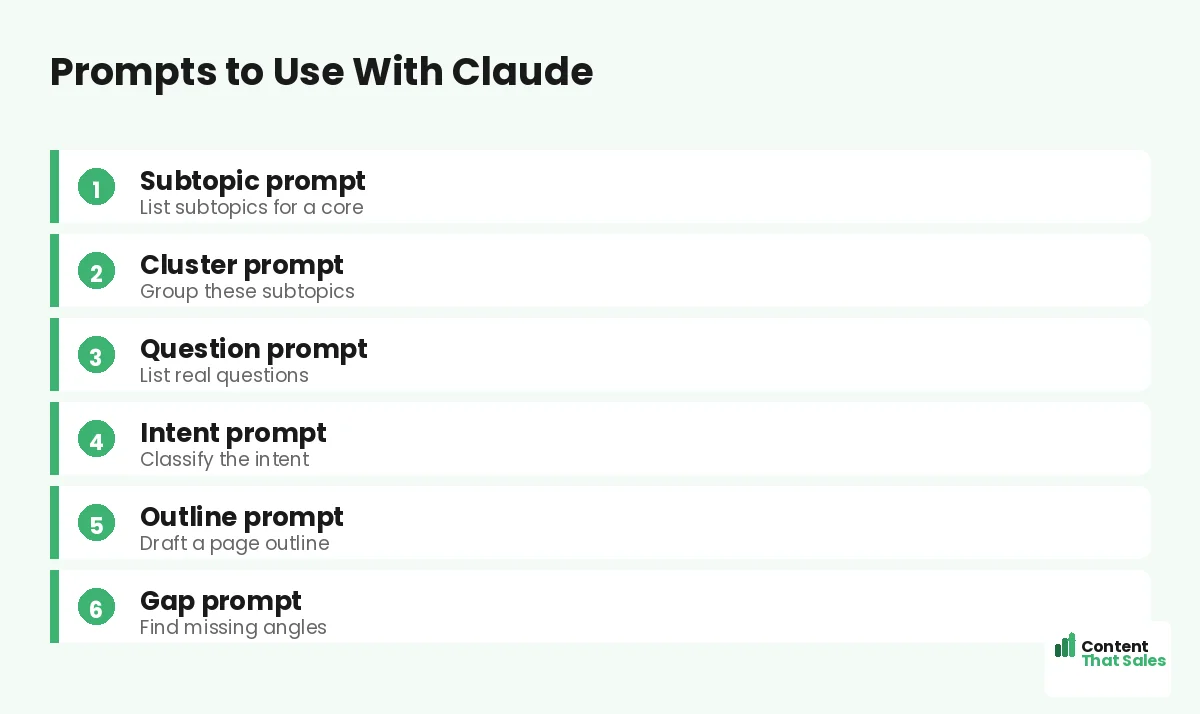
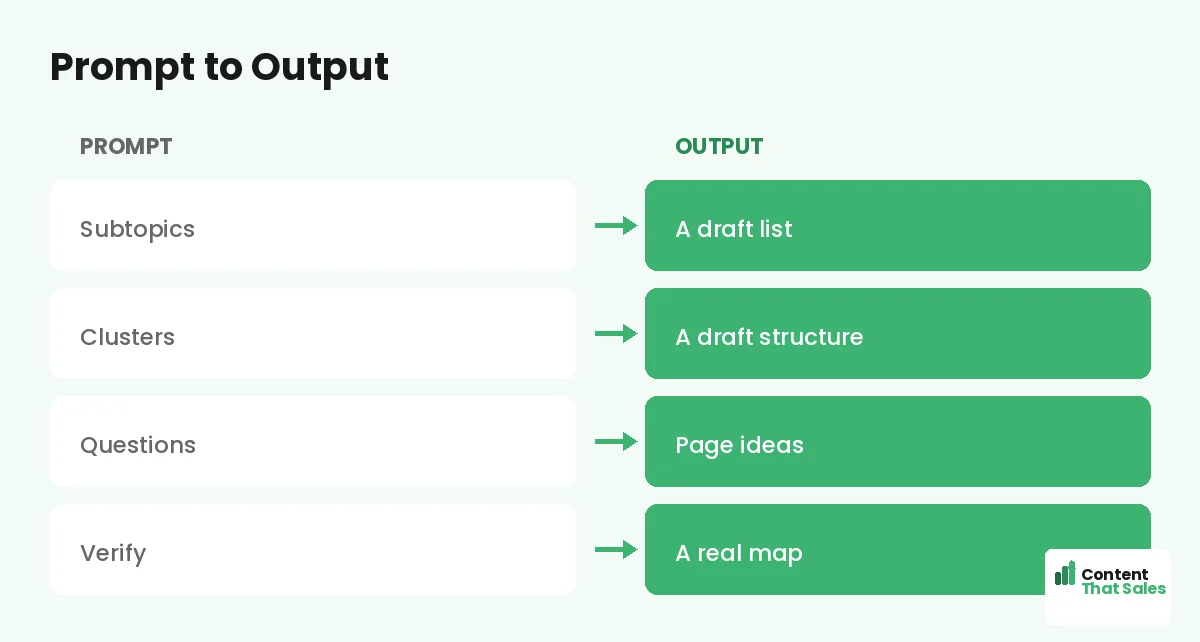
Ask Claude to list the major subtopics, your pillars, under your main topic. With full context, it will suggest themes that fit your specific situation. Review them, keeping the strong ones and cutting any that do not belong.
These pillars form the main branches of your pillar-and-cluster structure. Claude often groups related ideas well, giving you a clean starting set. Treat its list as a strong first draft to shape, not a final answer.
Prompt for Cluster Topics
For each pillar, ask Claude to brainstorm specific cluster topics, the focused pages beneath it. Claude can generate a deep, well-organized list quickly, giving your map real depth across every pillar in a single conversation.
This is where Claude helps you find cluster topics efficiently. Ask for the questions and subtopics readers search under each pillar. Then review, keeping the relevant ideas and removing duplicates or anything off-topic.
Ask for Keywords and Intent
Ask Claude to suggest a target keyword and the search intent for each page. This helps you assign one clear keyword per page and understand what each searcher wants, handling a tedious step quickly and in an organized way.
Verify the suggestions, since any AI can misjudge demand. Use them for direction, then confirm with real data. Since readers scan more than they read, choose keywords tied to clear, real reader needs.
Have Claude Build the Table
Once you have pillars, clusters, and keywords, ask Claude to organize everything into a table, pillars with their clusters, keywords, and intent. Because it handles structure well, Claude produces a clean table you can drop into a spreadsheet.
This gives you a complete draft map in seconds. Ask for columns like pillar, page title, keyword, and intent. Claude’s organized output makes this step smooth, leaving you to focus on refining rather than assembling.
Did you know?
Because Claude holds long context, you can paste your entire existing site structure and ask what is missing, getting gap analysis and new pages in one go.
Refine Claude’s Output
Do not use the draft as-is. Review it carefully, cut irrelevant topics, fix groupings, fill gaps, and verify keywords against real data. Claude gives you a strong, organized starting point, but your judgment makes it accurate.
Even good AI output needs human review. Your knowledge of your business and audience is what turns Claude’s draft into a real strategy. This refining step is what makes the difference between a usable map and a generic one.
Iterate With Follow-Up Prompts
Claude is excellent in extended conversation. Follow up to expand a thin pillar, merge overlapping topics, or generate more cluster ideas. Because it remembers the context, each follow-up builds on the last without repeating yourself.
Use prompts like “expand this pillar with five more pages, keeping them distinct from the existing ones.” Claude’s long memory makes this iteration smooth, letting you shape the whole map together over a single, productive session.
Connect the Pages Claude Suggests
Ask Claude which pages should link to each other and which clusters connect to which pillars. It will propose a linking structure that ties your content into a real web. Strong internal linking is part of what builds authority.
Apply the suggestions that make sense, building the connections between pillar and cluster pages from the start. The goal is a map where every page supports the others, so none sits orphaned and your authority compounds.
Move It Into a Working Map
Once refined, transfer Claude’s output into a working document you can track and update. The conversation produced the plan; now it becomes your living map for producing content over time as you publish each page.
Organize it in a spreadsheet to mark progress and links. A topical map template keeps it tidy. Simple, clear pages win, and since easy reading lifts engagement, plan for clarity.
Put It All Together
To build a topical map with Claude: give it full context, then prompt for pillars, clusters, keywords, and a table. Refine the output, iterate with follow-ups, plan your links, and move it into a working map.
Claude gives you speed and structure; you provide quality and strategy. With rich context and careful review, it turns hours of planning into one focused conversation. The result is a strong, complete map built fast. The more detail you give it up front, and the more carefully you review what comes back, the better your final map will be. Used well, Claude becomes a planning partner that helps you cover your topic completely and start ranking sooner.
How Content That Sales Helps
If you want a finished map without the prompting, that’s where we come in. At Content That Sales, we use tools like Claude to build your map fast, refine it with expert judgment, and write the pages that fill it.
You skip the work. We generate, verify, and produce, delivering a complete, connected map plus the content to match. The result is expert quality at AI speed, without you crafting a single prompt or editing a draft.
Ready to Build With Claude?
Now you know how to build a topical map with Claude: give rich context, prompt for structure, then refine. Good context plus review equals a strong map fast. So why not open Claude and start drafting yours today?
Or let us handle it. Book your free consultation now. Call us at 8801631988589 or email service@contentthatsales.com. Let’s turn AI speed into a content plan that actually ranks and sells.
Frequently Asked Questions About Claude Maps
Can Claude build a topical map?
Yes. With rich context and clear prompts, Claude can list pillars, brainstorm clusters, suggest keywords, and build a full structure. You then refine the draft.
Why use Claude specifically?
Claude handles long context well and produces organized output, so you can feed it lots of background and get a thorough, well-grouped map in one conversation.
What context should I give it?
Your topic, niche, audience, goals, and any existing content. The more relevant detail you provide up front, the more tailored and accurate its map will be.
Do I need to verify the output?
Yes. Review the draft, cut irrelevant topics, fix groupings, fill gaps, and confirm keywords with real data. Never publish an AI map without human review.
Can I refine the map in conversation?
Yes. Use follow-ups to expand thin pillars, merge overlaps, or add clusters. Claude’s long memory makes this iteration smooth and productive.
Can Claude help with internal links?
Yes. Ask which pages should link to each other and which clusters tie to which pillars. It will suggest a linking structure you can review and apply.
Is a Claude-built map good enough to rank?
After human review, yes. The raw draft needs refining, but verified and shaped, a Claude-built map can match a manual one, built far faster.
Can Content That Sales help?
Yes. We use AI to build maps fast, refine them, and write the pages. Reach out for a quick quote.