 Skip to content
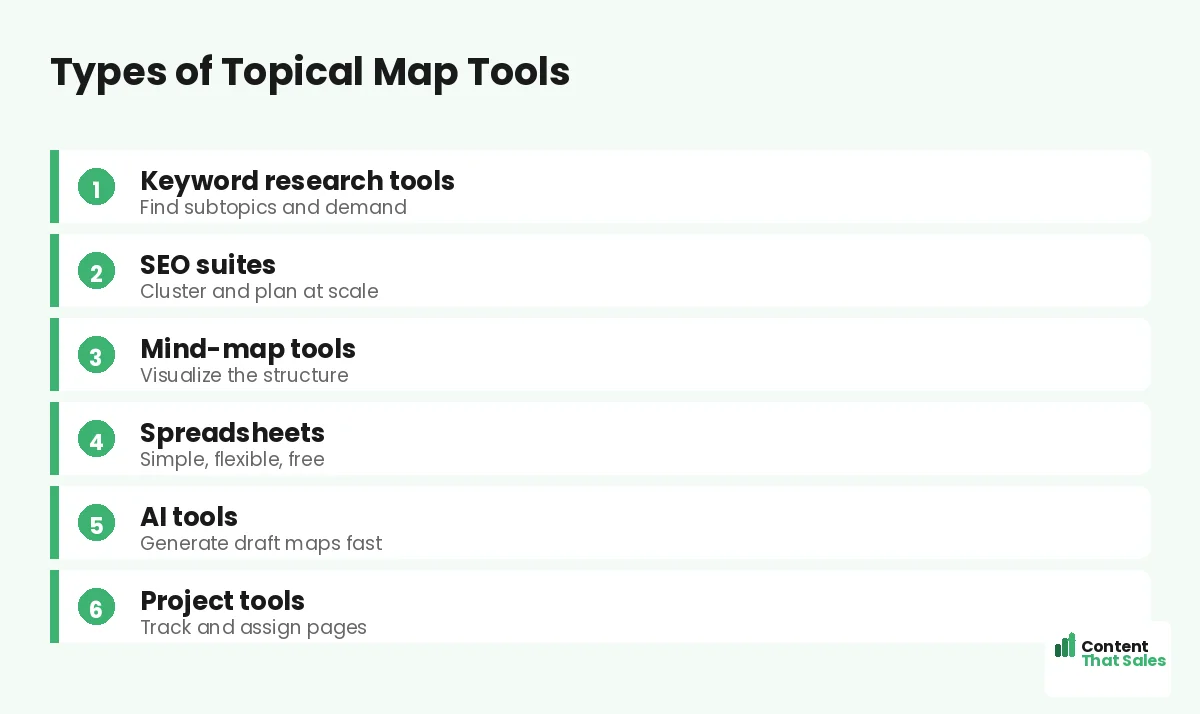
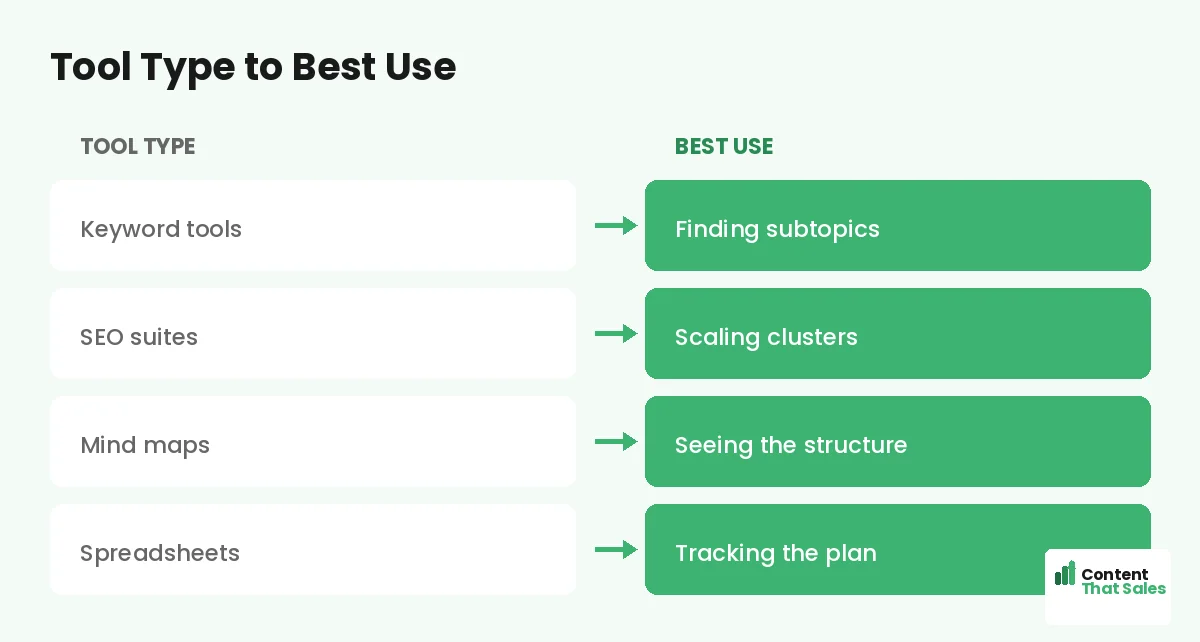
Choosing the best topical map creation tools comes down to matching the tool to the job, not chasing the flashiest software. The right toolkit usually combines a few types: keyword research tools to find subtopics, SEO suites to cluster at scale, mind-map tools to visualize structure, and a simple spreadsheet to track it all. This guide walks through the main categories of topical map tools, what each does best, and how to assemble a stack that fits your workflow.
There is no single magic tool that builds a perfect topical map for you. The best results come from combining tools that each handle one part of the process well. Understanding the categories helps you choose wisely rather than overpaying for features you will not use.
Below, we walk through the types of tools that help you build topical maps, what each is best for, and how to pick the right combination.

There Is No Single Perfect Tool
First, set expectations: no tool builds a flawless topical map at the push of a button. Topical mapping is part research, part judgment, and part structure. Tools help with each part, but the strategy is yours. The best toolkit supports your thinking, not replaces it.
So instead of hunting for one perfect tool, assemble a small stack that covers the key jobs. If you need the basics first, see our guide on how to build a topical map, then choose tools to support each step.
Keyword Research Tools
Keyword research tools are essential for finding subtopics and gauging demand. They reveal what people search around your subject, the questions, variations, and related terms that become the pages in your map. They turn guesswork into data.
Use a keyword tool to discover the full range of subtopics and to confirm each has real demand. This is the research backbone of any topical map. The depth and accuracy of your map depend heavily on thorough keyword research up front.
SEO Suites
Comprehensive SEO suites do more than keywords, they help you cluster topics, analyze competitors, and plan at scale. Many include features that group related keywords into clusters automatically, which can jump-start your map’s structure.
These suites suit larger sites and teams that need to manage many topics and track performance. They are an investment, but for serious content operations, the clustering and competitive analysis can save significant time. Match the suite’s power to your real needs.
Mind-Map Tools
Mind-map tools help you visualize your topical map as a branching diagram. Seeing the structure laid out visually makes it easier to spot gaps, understand relationships, and organize clusters. They are great for the brainstorming and structuring phase.
A mind map turns an abstract plan into a clear picture. For more on this approach, see our guide on using mind maps for topical map creation. Many people start in a mind map, then move the structure into a spreadsheet to execute.
Spreadsheets
Never underestimate the humble spreadsheet. It is flexible, free, and perfect for tracking your map, listing every page, its cluster, target keyword, page type, and status. Many professionals run their entire topical map from a spreadsheet.
A spreadsheet is the practical home of your map. For a step-by-step setup, see our guide on building a topical map in Google Sheets. Whatever else you use, a spreadsheet keeps everything organized in one place.
AI Tools
AI tools can speed up topical mapping by generating draft lists of subtopics, questions, and clusters quickly. They are useful for brainstorming and filling gaps, giving you a starting point you then refine with research and judgment.
Treat AI output as a draft, not the final map. Since readers scan more than they read, every AI-suggested topic still needs human review for real demand and quality. Used well, AI accelerates the work without replacing the strategy.
Did you know?
Most professionals use a combination of tools, keyword research plus a spreadsheet plus a mind map, rather than relying on any single all-in-one solution.
Project and Content Tools
Once your map is planned, project and content management tools help you execute it, assigning pages to writers, tracking deadlines, and managing the workflow. These tools turn your map into a publishing pipeline that actually gets content shipped.
This is where your map meets a content calendar. The map decides what to write; project tools and a schedule decide when and who. For that distinction, see our guide on a topical map vs a content calendar.
How to Choose Your Stack
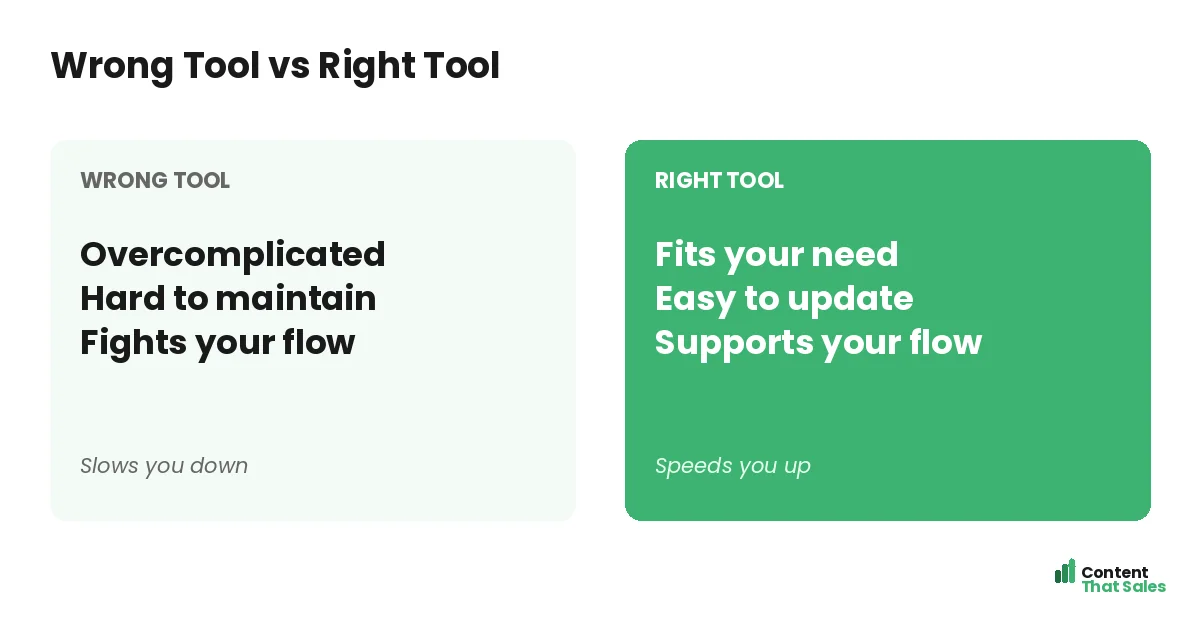
Choose tools based on your needs and scale. A solo creator might use a free keyword tool, a mind map, and a spreadsheet. A larger team might add an SEO suite and project software. Start simple and add tools only as your needs grow.
Avoid the trap of buying powerful tools you will not fully use. The best stack is the one you actually use consistently. Match each tool to a real job in your process, and skip anything that does not fit your workflow.
Start Free, Upgrade Later
You do not need expensive tools to start. Free keyword tools, a free mind-map app, and a spreadsheet are enough to build a solid first map. Upgrade to paid tools only when your scale or ambitions justify the cost.
For budget-conscious starts, see our guide on free topical map tools worth trying. Beginning with free tools lets you learn the process and prove the value before investing, which is the smart way to build a stack.
The Tool Is Not the Strategy
Remember that tools support the strategy; they are not the strategy itself. A great tool with a weak plan produces a weak map. Focus first on understanding your subject and your audience, then use tools to research, structure, and execute that understanding.
Simple, clear content keeps winning, since easy reading lifts engagement. The best tool in the world cannot replace thoughtful planning and quality writing. Let tools accelerate good strategy, not stand in for it.
Put It All Together
The best topical map creation tools are the ones that fit each job: keyword tools for research, SEO suites for clustering at scale, mind maps for visualizing, spreadsheets for tracking, AI for drafting, and project tools for execution. Combine a few, do not chase one.
Start with a simple stack, free if needed, and upgrade as you grow. Match each tool to a real step in your process, and remember the strategy is yours. With the right combination, your tools make building and running a topical map faster and cleaner.
How Content That Sales Helps
We bring the tools and the strategy. That’s where we come in. At Content That Sales, we use the right research and mapping tools, paired with real expertise, to build your topical map and the content that fills it.
You share your subject and goals. We handle the research, structure, and writing, using proven tools the right way. The result is a complete topical map and connected content, without you needing to assemble or learn a stack of tools yourself.
Ready to Build With the Right Tools?
Now you know the best topical map creation tools by category and how to combine them: keyword research, structure, tracking, and execution. The tools support the strategy. So why not pair the right stack with a real plan?
Let’s build your map with the right tools and strategy. Book your free consultation now. Call us at 8801631988589 or email service@contentthatsales.com. Let’s turn research into a map that ranks.
Frequently Asked Questions About Topical Map Tools
Is there one best topical map tool?
No. Topical mapping needs research, judgment, and structure. The best results come from combining a few tools that each handle one part well, not one all-in-one solution.
What tools do I actually need?
Usually a keyword research tool to find subtopics, something to visualize or cluster structure, and a spreadsheet to track the map. Add more as you scale.
Are keyword tools important?
Yes. They reveal the subtopics and demand that become your pages, turning guesswork into data. Thorough keyword research is the backbone of a good map.
Do I need an expensive SEO suite?
Not to start. Suites help larger sites cluster and analyze at scale, but solo creators can build solid maps with free tools and a spreadsheet first.
Can AI build my topical map?
AI can draft subtopics and clusters quickly, but treat its output as a starting point. Every suggestion still needs human review for real demand and quality.
Why use a mind-map tool?
It visualizes your map as a branching diagram, making gaps and relationships easy to see. Many people brainstorm in a mind map, then move to a spreadsheet.
How do I choose my stack?
Match each tool to a real job in your process, start simple, and upgrade only as your needs grow. The best stack is the one you actually use.
Can Content That Sales help?
Yes. We use the right tools and real expertise to build your topical map and the content that fills it. Reach out for a quick quote.