 Skip to content
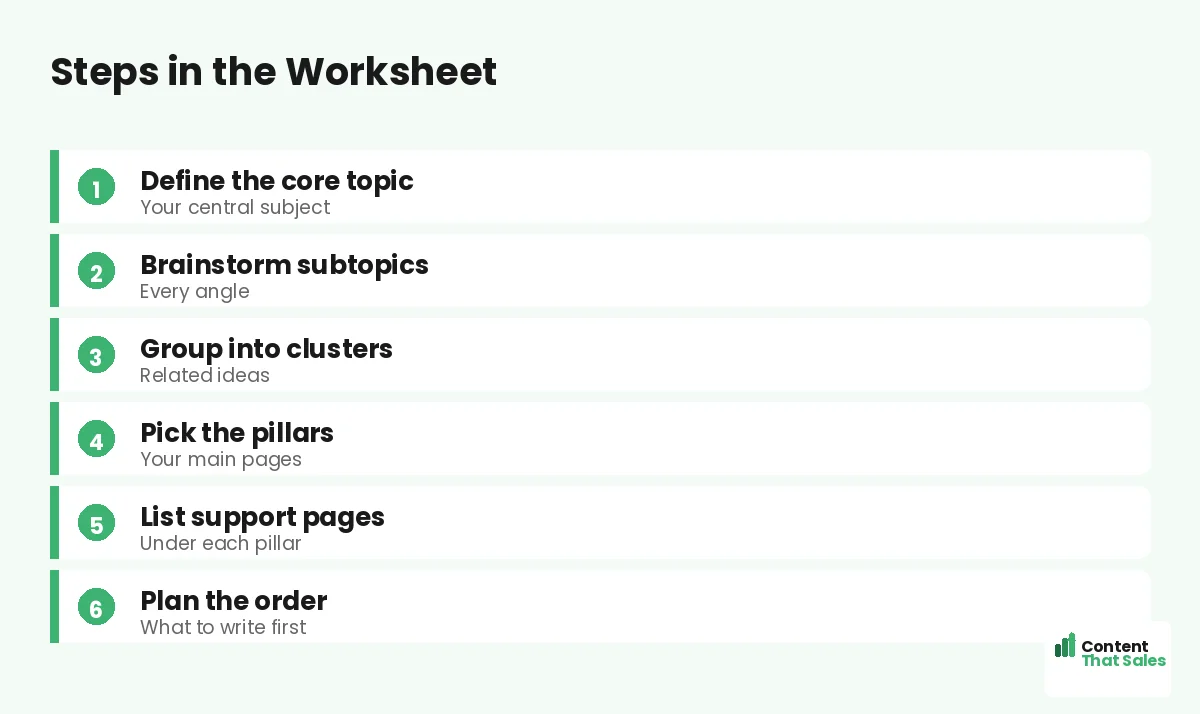
A topical map worksheet gives you a simple, guided way to plan your content map without staring at a blank page. It walks you through naming your main topic, listing pillars, brainstorming clusters, and noting keywords and links, all in a structured layout. If a full topical map feels overwhelming, a worksheet breaks it into easy, fill-in steps. This guide explains what the worksheet covers and how to use it.
A topical map is the plan; a worksheet is the tool that helps you build it. Instead of figuring out the structure yourself, the worksheet gives you prompts and spaces to fill in, so you end up with a complete map.
Below, we walk through what the worksheet includes, how to fill it in, and how it turns a blank page into a finished map.

Why Use a Worksheet
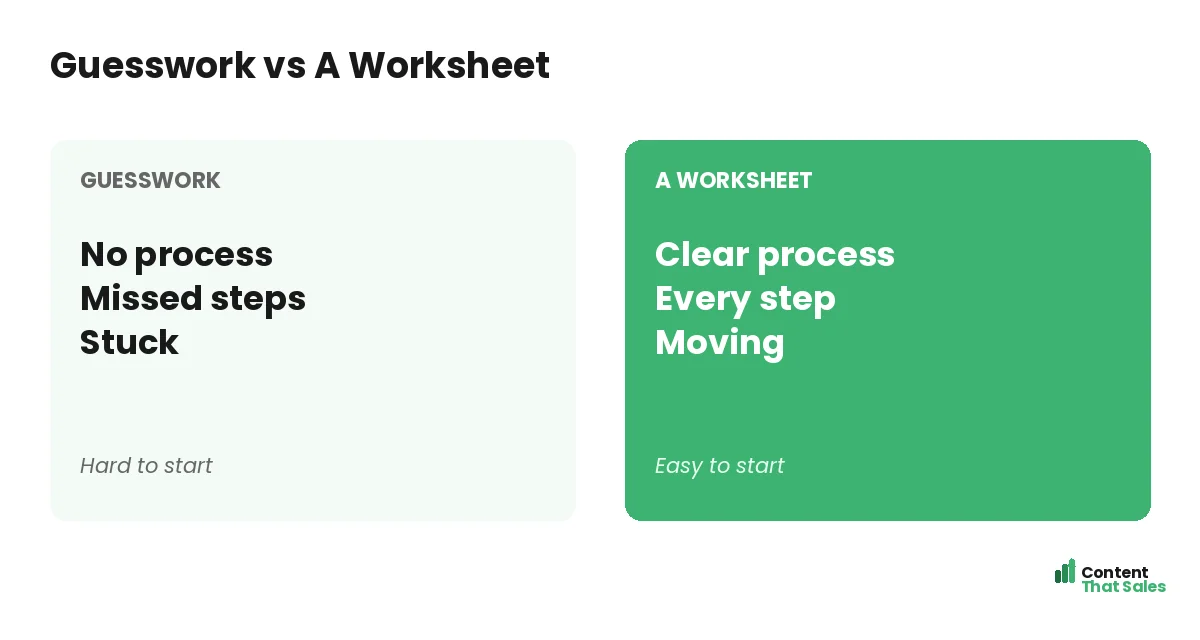
Building a topical map from scratch can feel daunting. A worksheet removes that friction by giving you a structure to follow, prompts to answer, and spaces to fill. You focus on your topic, not on figuring out the format.
A worksheet turns map-building into a guided exercise. Rather than wondering where to start, you work through the topical map step by step, and by the end you have a complete plan ready to use.
Start With Your Main Topic
The worksheet begins by asking for your main topic, the single subject your site is about. This is the foundation everything else builds on. Naming it clearly keeps the whole map focused and on-theme.
Your main topic should be specific enough to own but broad enough to support many pages. The worksheet prompts you to state it plainly first, so every pillar and cluster that follows connects back to one clear subject.
List Your Pillar Topics
Next, the worksheet asks you to list your pillars, the major subtopics under your main topic. These are the big themes your content will cover, each one broad enough to support a cluster of related pages beneath it.
Pillars give your map its main branches. The worksheet provides spaces to name each one, helping you map out the pillar-and-cluster structure that organizes everything. Aim for a handful of strong pillars.
Brainstorm Cluster Pages
Under each pillar, the worksheet gives you space to brainstorm cluster pages, the specific articles that cover one narrow subtopic each. This is where your map gains depth, with many focused pages supporting each pillar.
The worksheet prompts you to list cluster ideas under each pillar, helping you find cluster topics systematically. The more complete your clusters, the more thoroughly your map covers the subject.
Note Keywords for Each Page
The worksheet includes a space to note the target keyword for each page, the term it should rank for. This keeps every page focused on one clear search and prevents pages from overlapping or competing with each other.
Assigning one keyword per page as you fill in the worksheet ensures each page has a distinct purpose. Since readers scan more than they read, the worksheet reminds you to keep each page tightly targeted.
Plan Your Internal Links
The worksheet has a section for planning internal links, noting which pages connect to which. This ensures your map is not just a list of pages but a connected web, with clusters linking up to pillars and to each other.
Planning links on the worksheet means you build the connections between pillar and cluster pages from the start. The worksheet prompts you to note each link, so no page ends up orphaned.
Did you know?
Working from a worksheet helps you catch gaps early, you can see at a glance which pillars have thin clusters and need more pages before you start writing.
Mark Search Intent
The worksheet can include a column for search intent, noting what the reader wants from each page. Informational, commercial, or transactional, marking intent helps you write each page to match what searchers actually need.
Noting intent as you plan keeps you from targeting a keyword while missing the searcher’s goal. The worksheet prompts you to think about intent up front, so the page you eventually write satisfies the reader and ranks.
Set a Priority Order
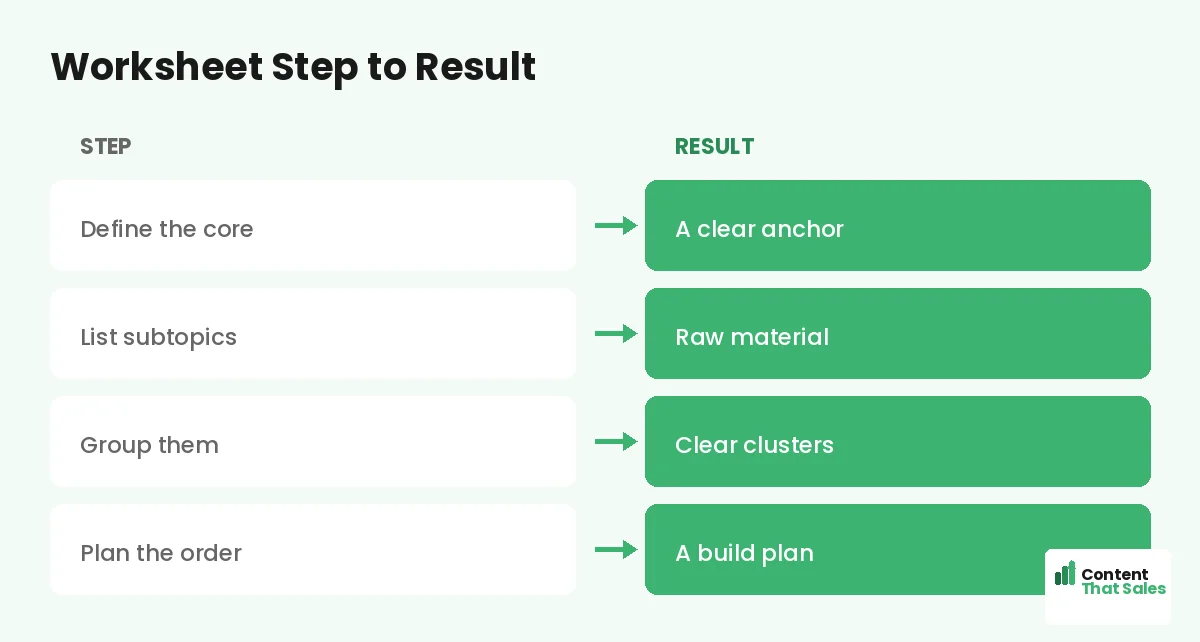
The worksheet lets you mark priority, which pages to write first. Not every page matters equally, so flagging the highest-value ones helps you start where it counts most rather than working through the map at random.
Setting priority on the worksheet turns your map into an action plan. You see not just what to write but in what order, so your first pages target the biggest opportunities and build momentum quickly.
Review the Whole Worksheet
Once filled in, review the whole worksheet to check for balance and gaps. Are some pillars thin? Are clusters complete? A quick review catches problems before you write, when they are still easy to fix.
The filled worksheet gives you a bird’s-eye view of your map. Simple, complete planning pays off, since clear structure keeps readers engaged, and easy reading lifts engagement across your pages.
Turn the Worksheet Into a Map
Once your worksheet is complete, transfer it into a working topical map, a spreadsheet or document you can update as you go. The worksheet does the thinking; the map becomes your living plan for producing content.
This step turns your fill-in exercise into a tool you use over time. You can use a topical map template to organize the finished plan, keeping it easy to track and update as you publish.
Keep the Worksheet Reusable
Use the same worksheet format every time you plan a new section or site. A consistent worksheet means you always know the steps, and planning gets faster with each use. Build it once, reuse it forever.
A reusable worksheet is a planning system, not a one-off. Whether you expand an existing map or start a new one, the same prompts guide you. Consistency makes map-building a repeatable, reliable process.
Put It All Together
A topical map worksheet guides you through naming your main topic, listing pillars, brainstorming clusters, noting keywords and intent, planning links, and setting priorities. It turns a blank page into a complete, structured map.
Fill it in step by step, review for gaps, then transfer it into a working map. The worksheet removes the friction of starting, so anyone can build a solid topical map. With it, planning becomes simple and repeatable.
How Content That Sales Helps
If filling in the worksheet still feels like a lot, that’s where we come in. At Content That Sales, we plan your whole topical map for you, pillars, clusters, keywords, and links, and write the pages that fill it in.
You share your topic and goals. We build the map, brief each page, and produce the content. The result is a complete, connected map without the planning work, ready to rank and grow your traffic.
Ready to Plan Your Map?
Now you know what a topical map worksheet covers: main topic, pillars, clusters, keywords, intent, links, and priority. It turns a blank page into a finished plan. So why not start filling one in today?
Let’s build your map together. Book your free consultation now. Call us at 8801631988589 or email service@contentthatsales.com. Let’s turn your topic into a complete, connected content plan.
Frequently Asked Questions About the Worksheet
What is a topical map worksheet?
A guided, fill-in tool that walks you through planning a topical map, naming your topic, pillars, clusters, keywords, intent, and links, step by step.
How is it different from a topical map?
The worksheet is the tool that helps you build the map. You fill it in step by step, then transfer the finished plan into a working map you update over time.
Where do I start?
Start with your main topic, the single subject your site is about. Everything else, pillars and clusters, builds from that one clear foundation.
How many pillars should I list?
A handful of strong pillars usually works well, each broad enough to support a cluster of related pages beneath it. Quality matters more than quantity.
Why note keywords on the worksheet?
So each page targets one clear search and pages don’t overlap or compete. Assigning one keyword per page keeps every page focused and distinct.
Why plan links on the worksheet?
So you build connections from the start. Planning links ensures clusters tie to pillars and to each other, making your map a connected web, not a list.
What do I do once it’s filled in?
Review it for gaps and balance, then transfer it into a working topical map, a spreadsheet or template you can track and update as you publish.
Can Content That Sales build my map?
Yes. We plan the whole map and write the pages to fill it. Reach out for a quick quote and skip the planning work entirely.