 Skip to content
Knowing the common internal linking mistakes in topical maps helps you avoid the quiet errors that drain authority and weaken your clusters. Most linking problems are not dramatic; they are small oversights, an orphan page here, a vague anchor there, that add up to a map that underperforms. This guide walks through the most common internal linking mistakes and exactly how to fix each one.
Internal linking is one of the few ranking levers you fully control, which makes these mistakes especially costly. Each one wastes potential you already have. The good news is that they are all easy to spot and fix once you know what to look for.
Below, we cover the most common internal linking mistakes in topical maps and the simple fixes that turn weak linking into strong, authority-building structure.

Why These Mistakes Matter
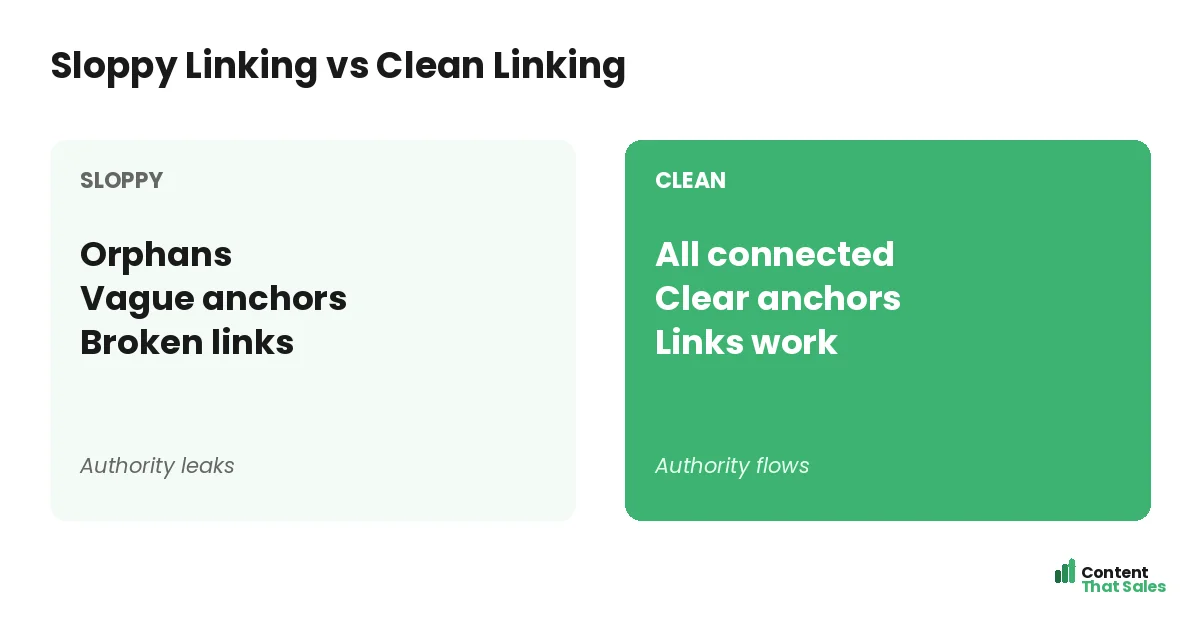
Internal linking ties your topical map together, spreading authority and signaling relationships. When linking goes wrong, that whole system weakens. Pages get stranded, authority leaks, and clusters fail to cohere, undermining the coverage you worked to build.
Because links are a lever you control, fixing these mistakes is high-value, low-cost work. Avoiding them is as important as building good links in the first place. Strong internal linking for topical authority depends on dodging these errors.
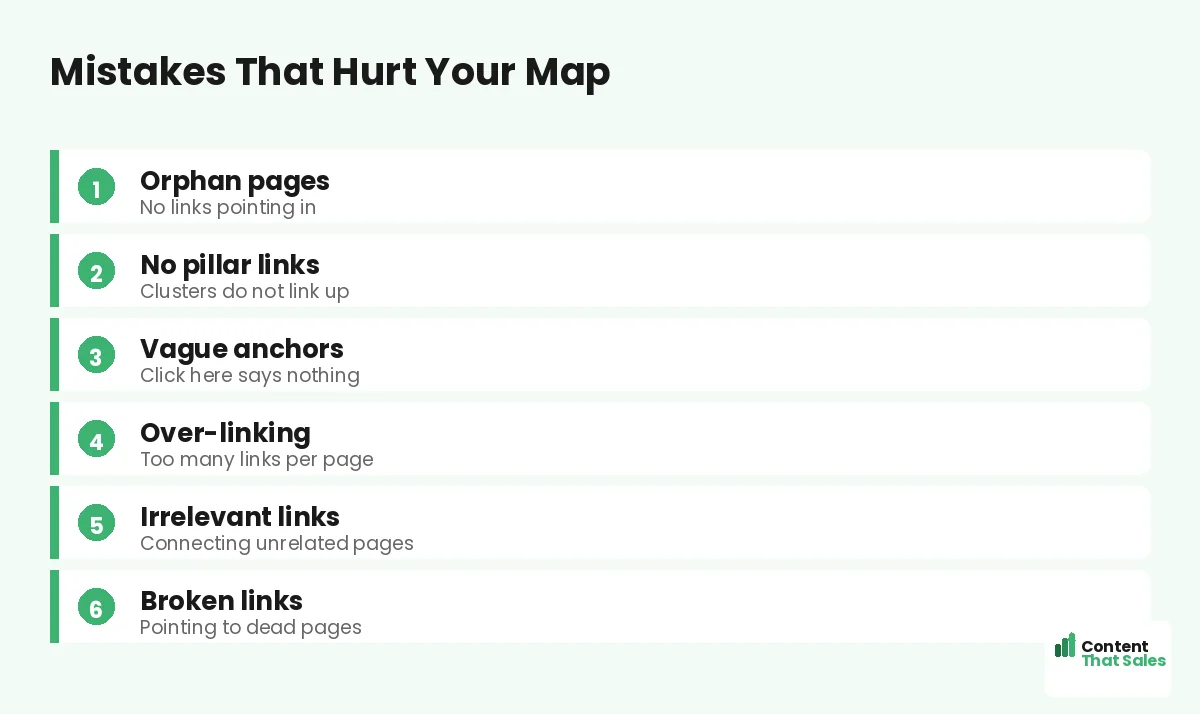
Mistake 1: Orphan Pages
The most common mistake is orphan pages, pages with no internal links pointing to them. Orphans are hard for Google to find and value, and they sit outside your authority flow. New pages are especially prone to becoming orphans.
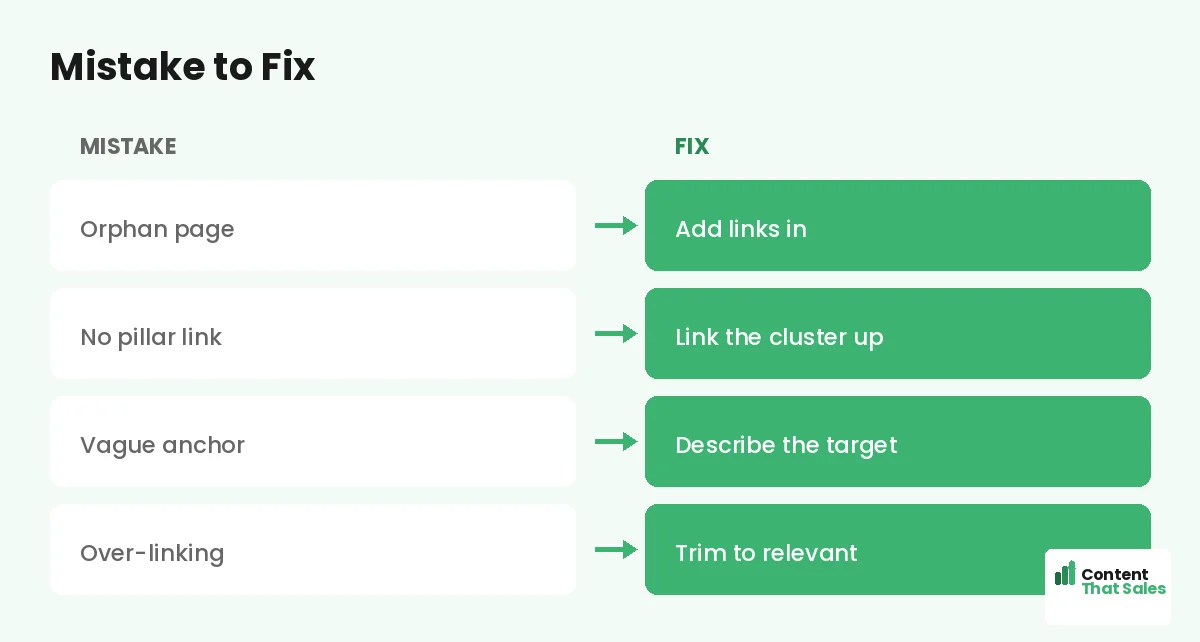
The fix is simple: ensure every page has relevant links pointing in, at least from its pillar and ideally from related siblings. Check for orphans regularly. No page should ever be stranded with no way in from the rest of your site.
Mistake 2: Clusters That Do Not Link Up
A frequent error is cluster pages that fail to link back to their pillar. This breaks the upward flow of authority to the hub and weakens the pillar’s ability to rank. Older pages especially tend to miss this link.
The fix is to ensure every cluster page links up to its pillar, the way you link cluster pages to pillars. Add the missing upward links, and your pillars gather the concentrated authority they need.
Mistake 3: Vague Anchor Text
Using vague anchor text like click here or read more is a common, wasteful mistake. These anchors tell readers and Google nothing about the linked page, throwing away the relevance signal a link could send.
The fix is descriptive anchors that name the target topic. Since readers scan more than they read, descriptive anchors also help them decide whether to click. Replace every vague anchor with one that describes where the link leads.
Mistake 4: Over-Linking
Stuffing pages with too many internal links is another mistake. Too many links dilute the value each passes and overwhelm readers, who tune them out. Over-linking can also look manipulative rather than helpful.
The fix is to keep links focused and relevant: a few purposeful links per page, not as many as possible. Trim redundant or irrelevant links. A clean, relevant link set is stronger than a page crammed with links no one follows.
Mistake 5: Irrelevant Links
Linking pages that are not genuinely related is a subtle but real mistake. Irrelevant links confuse readers and dilute the topic signals between your pages. They add link count without adding value or reinforcing real relationships.
The fix is to link only where there is a genuine connection. Before adding a link, ask whether it truly helps the reader and reflects a real relationship. Relevant links strengthen your map; irrelevant ones just clutter it.
Did you know?
Most internal linking problems are small oversights, an orphan page or a vague anchor, that quietly add up, which is why a periodic audit catches so much.
Mistake 6: Broken Links
Broken internal links, links pointing to pages that have moved or been deleted, waste authority and frustrate readers with dead ends. They accumulate over time as URLs change, often unnoticed until an audit finds them.
The fix is to find and repair broken links by updating the URL or removing the link. Regular checks catch them before they pile up. Repairing broken links restores both the reader experience and the authority those links were meant to carry.
Mistake 7: Links Only in Footers or Sidebars
Placing important internal links only in footers, sidebars, or bottom lists is a mistake. These links carry less weight and get followed less than links within the body content. Burying your key links wastes their potential.
The fix is to place important links within the content, woven into relevant sentences. In-content links are stronger and more natural. Use body links for your key connections, and save footers and sidebars for navigation, not your main internal links.
Mistake 8: No Linking Plan
Linking as an afterthought, without a plan, leads to inconsistent, patchy connections. Some pages get linked well, others get forgotten. Without a plan, orphans and missing links creep in across your map over time.
The fix is to plan your links in your topical map, noting which pillar each page links to and which siblings connect. Then linking becomes deliberate, part of how you connect pillar and cluster pages, not a guess.
Catch Mistakes With an Audit
The best way to catch these mistakes is a regular link audit. An audit surfaces orphans, missing pillar links, broken links, and weak anchors, so you can fix them before they cost you rankings. Most linking errors hide until you look for them.
Run an internal link audit periodically, especially after publishing batches of new pages. A standing audit habit keeps these common mistakes from accumulating and keeps your linking strong as your map grows.
Prevention Beats Fixing
Better than fixing mistakes is preventing them. Build good linking habits: link every new page to its pillar and relevant siblings, use descriptive anchors, and place links in content. Prevention keeps your map clean from the start.
Simple, clear content keeps winning, since easy reading lifts engagement, and clean linking supports that. Make good linking part of your publishing routine, and you avoid most of these mistakes before they ever happen.
Put It All Together
The common internal linking mistakes in topical maps, orphan pages, clusters that do not link up, vague anchors, over-linking, irrelevant links, broken links, buried links, and no plan, all quietly drain authority. Each has a simple fix.
Connect every page, link clusters to pillars, use descriptive anchors, keep links relevant and in-content, and plan and audit your linking. Avoid these mistakes, and your internal linking becomes the strong, authority-building structure your topical map needs.
How Content That Sales Helps
We build clean linking that avoids these mistakes. That’s where we come in. At Content That Sales, we plan and build the internal links across your topical map, no orphans, no broken links, no vague anchors, so authority flows.
You share your content and structure. We connect every page correctly, use descriptive anchors, and audit the result. The outcome is a tightly linked map free of the common mistakes that quietly hold most sites back.
Ready to Fix Your Linking?
Now you know the common internal linking mistakes in topical maps and how to fix each: connect orphans, link clusters up, use clear anchors, and keep links relevant. These errors quietly cost rankings. So why let them linger?
Let’s clean up your internal linking. Book your free consultation now. Call us at 8801631988589 or email service@contentthatsales.com. Let’s turn weak links into strong authority.
Frequently Asked Questions About Internal Linking Mistakes
What is the most common internal linking mistake?
Orphan pages, pages with no internal links pointing to them. They are hard for Google to find and sit outside your authority flow. New pages are especially prone.
Why do clusters that do not link up hurt?
They break the upward flow of authority to the pillar, weakening its ability to rank. Every cluster page should link back to its pillar.
What is wrong with vague anchor text?
Anchors like click here tell readers and Google nothing about the target, wasting the relevance signal. Use descriptive anchors that name the linked topic.
Can I have too many internal links?
Yes. Over-linking dilutes the value each link passes and overwhelms readers. Keep links focused and relevant, a few purposeful ones per page.
Why avoid irrelevant links?
They confuse readers and dilute topic signals, adding count without value. Link only where there is a genuine connection between the pages.
Where should I place important links?
Within the body content, woven into relevant sentences. In-content links carry more weight and get followed more than footer or sidebar links.
How do I catch these mistakes?
Run a regular internal link audit. It surfaces orphans, missing pillar links, broken links, and weak anchors so you can fix them before they cost rankings.
Can Content That Sales help?
Yes. We plan and build clean internal links across your map, avoiding orphans, broken links, and vague anchors. Reach out for a quick quote.