 Skip to content
Notion templates for topical map planning turn your content strategy into a flexible, filterable database where every page, cluster, keyword, and status lives in one organized workspace. Notion combines the structure of a spreadsheet with the power of a database and the ease of collaboration, making it a favorite for planning and tracking topical maps. This guide shows you how to set up a Notion topical map and the properties that make it work.
Where a spreadsheet is great for simple tracking, Notion adds dynamic views, relations between pages, and rich collaboration. For teams and serious content operations, it can become the central hub for the whole topical map, from planning to publishing.
Below, we walk through what a Notion topical map database includes, the properties to set up, and how to use Notion’s features to plan and track your map.

Why Notion Works for Topical Maps
Notion treats your map as a database, not a static list. Each page is a row with properties you can filter, sort, and group in seconds. You can view the same data as a table, a board, or a calendar, whatever fits the task at hand.
This flexibility makes Notion powerful for planning. If you need the strategy first, see our guide on how to build a topical map. Notion is then a great home for executing and tracking that plan, especially for teams.
Set Up a Database
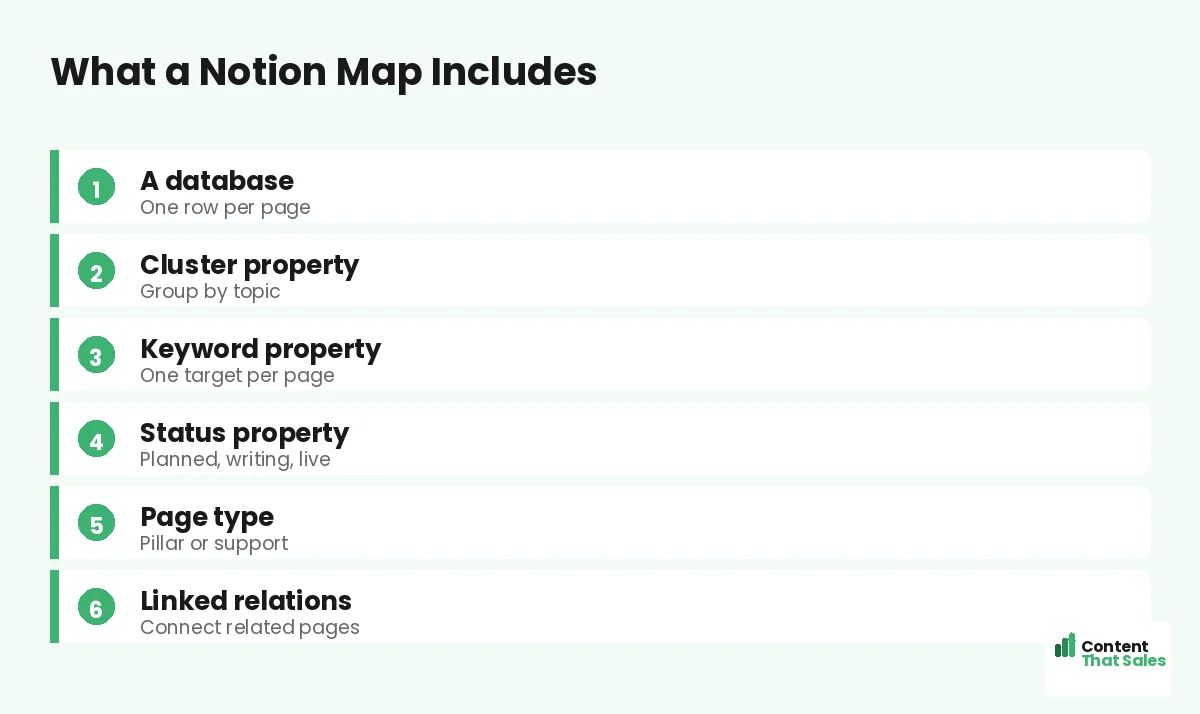
Start by creating a database, one entry per planned page. Each entry becomes a row you can open as its own page for notes, drafts, or briefs. This database is the core of your Notion topical map, holding every page in one place.
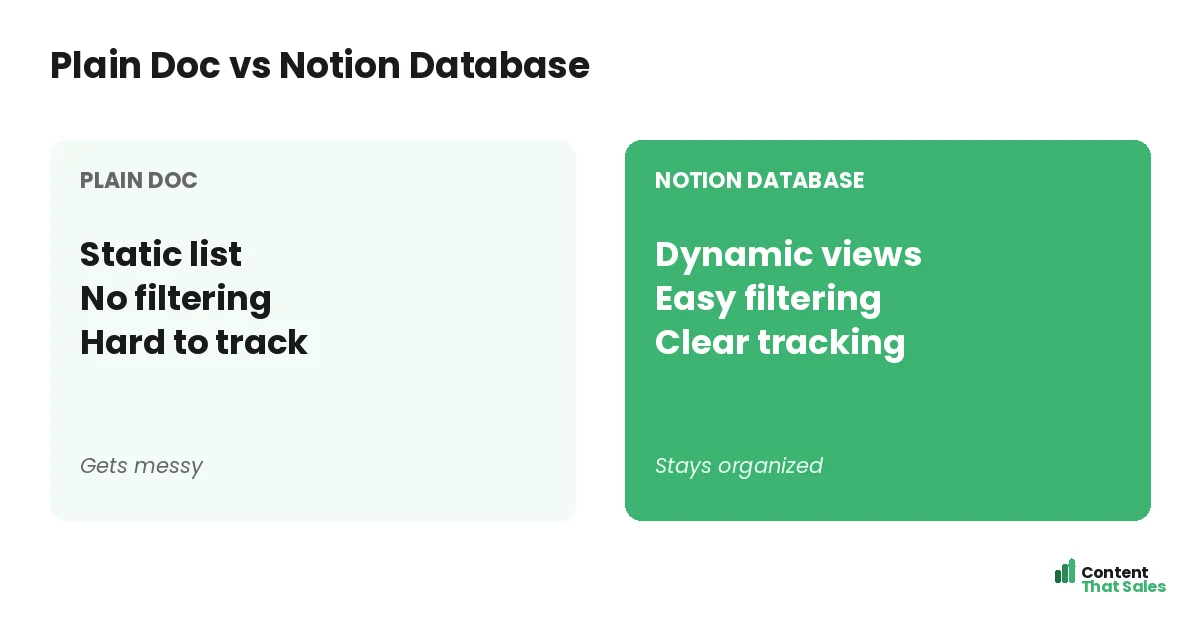
The database structure is what sets Notion apart from a plain document. Because each page is a database item, you can attach properties, filter views, and link entries, turning a simple list into a dynamic, queryable map of your content.
Add a Cluster Property
Create a property for cluster, the topic group each page belongs to. This lets you group and filter your database by cluster, so you can view one cluster at a time and check its coverage. Clusters organize your map into clear sections.
With a cluster property, you can switch to a board view grouped by cluster, seeing each group as a column. This visual grouping makes it easy to track which clusters are complete and which need more pages, all within Notion.
Add a Keyword Property
Add a property for the target keyword, the primary term each page will rank for. One keyword per page prevents cannibalization and keeps each page focused. This property ties your Notion map to your keyword strategy.
For the distinction between topics and keywords, see our guide on a topical map vs a keyword map. In Notion, the keyword property ensures every page has a clear, unique target you can see at a glance.
Add a Status Property
A status property tracks each page as planned, writing, or live. Notion’s status and select properties make this easy and visual, often with color-coded labels. This turns your database into a live progress tracker for the whole map.
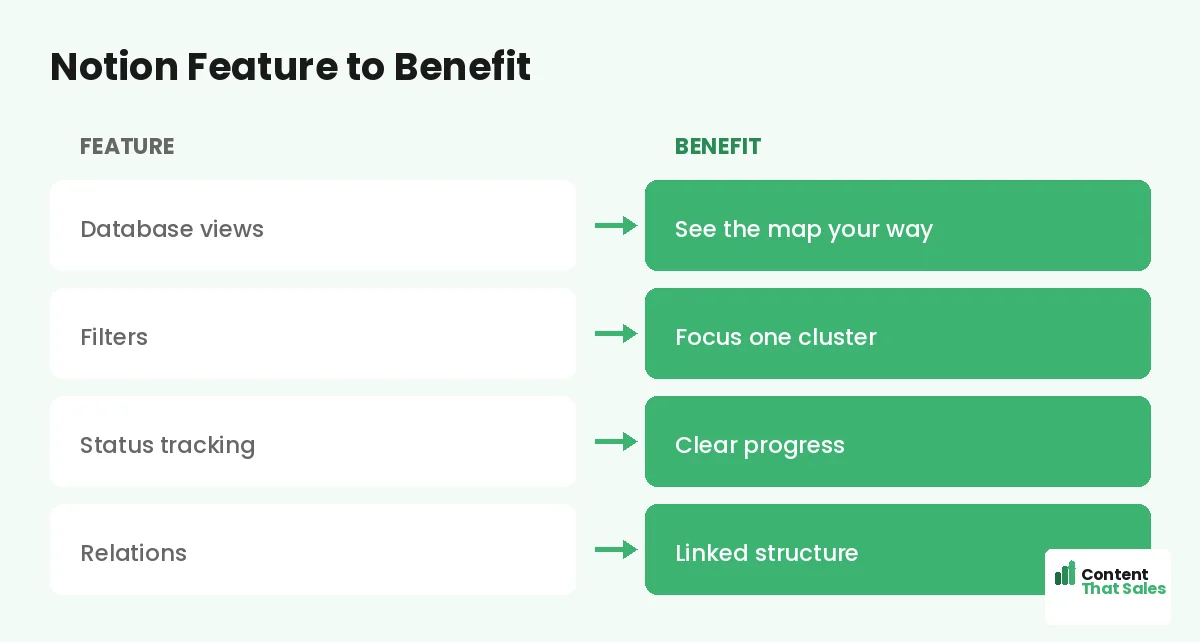
You can filter by status to see what is in progress or group a board by status to watch pages move from planned to live. Since readers scan more than they read, a clear, color-coded status helps you scan progress instantly.
Add a Page Type Property
Create a property for page type, marking each page as a pillar or supporting page. This clarifies each page’s role in its cluster and guides your internal linking, since pillars and support pages link differently within the structure.
This maps directly onto the pillar-and-cluster framework. In Notion, you can filter to see all your pillars or all the support pages in a cluster, keeping the hierarchy of your map clear and easy to manage.
Did you know?
Notion’s relation property lets you link pages to each other inside your database, so you can plan internal links visually as part of your map.
Use Relations for Internal Links
One of Notion’s best features for topical maps is relations, links between database entries. You can create a relation that connects each page to its pillar and to related pages, planning your internal linking right inside the database.
This makes your link structure part of the map itself. As you build, you see exactly how pages connect, which mirrors the internal links you will create on the live site. Relations turn abstract linking plans into clear, visible connections.
Use Multiple Views
Notion lets you view the same database in different ways. Use a table view to see all properties, a board view grouped by cluster or status to track progress, and a calendar view if you add publish dates. Each view serves a different need.
This flexibility is a big advantage over a static spreadsheet. You can switch views to plan, track, or schedule without duplicating data. One database, many views, keeps your whole team working from the same source in whatever way suits them.
Collaborate With Your Team
Notion shines for teams. Multiple people can work in the same database, assign pages to writers, leave comments, and track progress together. Each database entry can hold the brief, draft, and notes for that page, keeping everything in one place.
This makes Notion a content hub as well as a map. Writers see their assignments, editors track status, and everyone works from the same source. For collaborative content operations, this all-in-one workspace is a major advantage over scattered tools.
Notion vs a Spreadsheet
Notion and spreadsheets both work for topical maps; the choice depends on your needs. A spreadsheet is simpler and faster for solo, lightweight tracking. Notion adds database power, multiple views, relations, and collaboration for teams and bigger operations.
If a simple sheet suits you, see our guide on building a topical map in Google Sheets. If you want richer structure and team features, Notion is the upgrade. Both keep your map organized; pick the one that fits how you work.
Keep the Template Simple
Notion can do a lot, so resist overcomplicating your template. Start with the core properties, cluster, keyword, status, page type, and relations, and add more only as you need them. A clean, simple database is easier to maintain than a bloated one.
Simple, clear content keeps winning, since easy reading lifts engagement, and the same goes for your workspace. A focused Notion template you actually maintain beats an elaborate one you abandon. Keep it lean and useful.
Put It All Together
A Notion topical map template is a database with properties for cluster, keyword, status, page type, and relations, viewed as tables and boards, and shared with your team. It turns your content strategy into a flexible, trackable, collaborative workspace.
Set up the database, add the core properties, use relations for links and views for tracking, and keep it simple. For teams and serious operations, Notion becomes the central hub for planning and running your whole topical map.
How Content That Sales Helps
We set up and run your map, in Notion or anywhere. That’s where we come in. At Content That Sales, we structure your topical map, fill it with researched clusters and keywords, and write the connected pages, keeping it all organized and tracked.
You share your subject and goals. We plan the database, organize the clusters, and produce the content. The result is a complete, well-managed topical map and the pages that fill it, in the workspace that fits your team.
Ready to Plan in Notion?
Now you know how Notion templates organize topical map planning into a flexible, filterable database with clusters, keywords, status, and relations. For teams, it is a powerful hub. So why keep your map in a static document?
Let’s build your map and the content. Book your free consultation now. Call us at 8801631988589 or email service@contentthatsales.com. Let’s turn your strategy into an organized, ranking reality.
Frequently Asked Questions About Notion Topical Maps
Why use Notion for a topical map?
Notion treats your map as a flexible database with filterable, sortable properties and multiple views, plus relations and collaboration, making it powerful for planning and tracking.
How do I set it up?
Create a database with one entry per planned page, then add properties for cluster, keyword, status, and page type, plus relations to link pages.
What properties should I include?
At minimum: cluster, target keyword, status, and page type, plus a relation property for internal links. Add publish date or writer as your workflow needs.
What are relations good for?
Relations link database entries to each other, so you can plan internal links, connecting each page to its pillar and related pages, right inside your map.
How do multiple views help?
You can view the same data as a table, a board grouped by cluster or status, or a calendar, switching views to plan, track, or schedule without duplicating data.
Is Notion better than a spreadsheet?
It depends. A spreadsheet is simpler for solo, lightweight tracking. Notion adds database power, views, relations, and collaboration for teams and bigger operations.
How do I avoid overcomplicating it?
Start with the core properties and add more only as needed. A clean, simple database you maintain beats an elaborate one you abandon.
Can Content That Sales help?
Yes. We structure your map, fill it with researched clusters and keywords, and write the connected pages, in Notion or wherever you work. Reach out for a quote.