 Skip to content
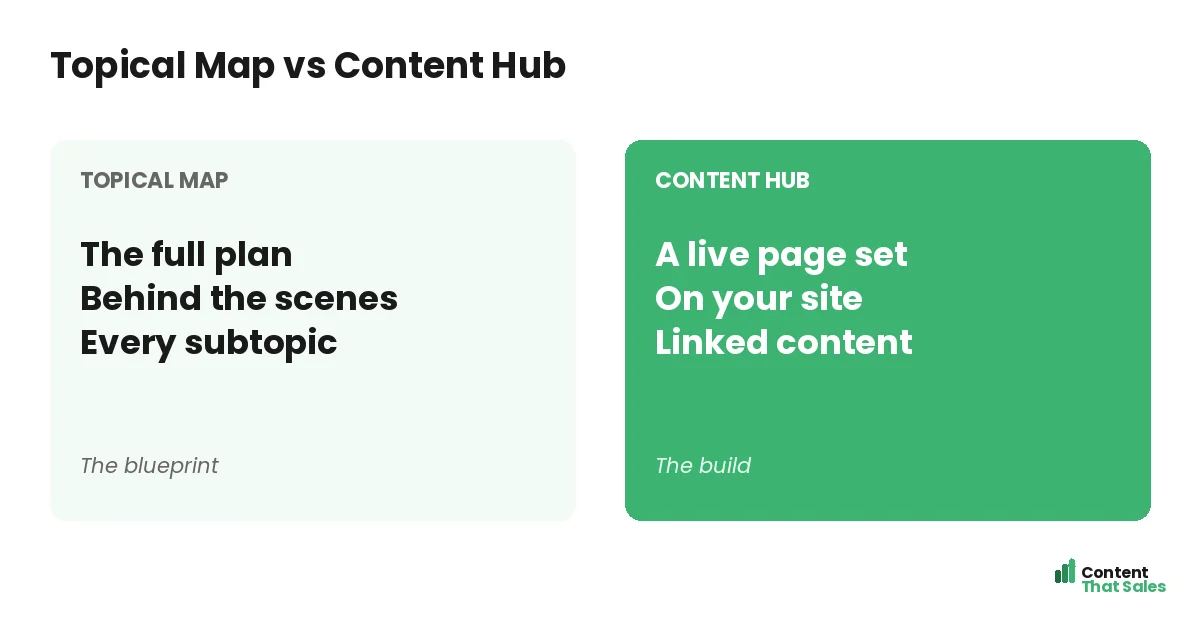
The topical map vs content hub comparison confuses many people because the two are closely linked, but they are not the same thing: a topical map is the behind-the-scenes plan of what you will cover, while a content hub is the live, published set of connected pages on your site. The map is the blueprint; the hub is the building. Understanding how they differ, and how the map becomes the hub, helps you plan and build content that ranks. This guide breaks down each, how they relate, and when to use them.
People often use the terms interchangeably, but the distinction is practical. The map exists in your planning tool; the hub exists on your website where visitors and Google see it. One guides the work; the other is the result.
Below, we define each, compare them, show how they work together, and explain how to turn a topical map into a content hub.

What a Topical Map Is
A topical map is the plan. It lays out your core subject, every subtopic, and how they group into clusters, all behind the scenes in a spreadsheet or planning tool. It defines what you will cover and how it connects, the essence of what a topical map is, before anything is published.
The map is your strategy document. For the full method, see our guide on how to build a topical map. Its job is planning, ensuring complete coverage and logical structure, not displaying anything to visitors.
What a Content Hub Is
A content hub is the live result. It is a set of connected pages on your website, usually a central pillar page linking out to related articles, all visible to visitors and search engines. The hub is what your audience actually sees and navigates.
Where the map is internal planning, the hub is the public build. It is the cluster of pages, live and linked, that demonstrates your coverage of a subject. The hub is the map made real on your site.
The Core Difference
The core difference is plan versus published pages. The topical map is the strategy that lives in your planning tool; the content hub is the live, interlinked set of pages on your website. One is the blueprint, the other the finished structure.
This matters because you can have a map without a hub, a plan not yet built, or a hub without a real map, pages that exist but were not strategically planned. The best results come when a thoughtful map becomes a well-built hub.
How the Map Becomes the Hub
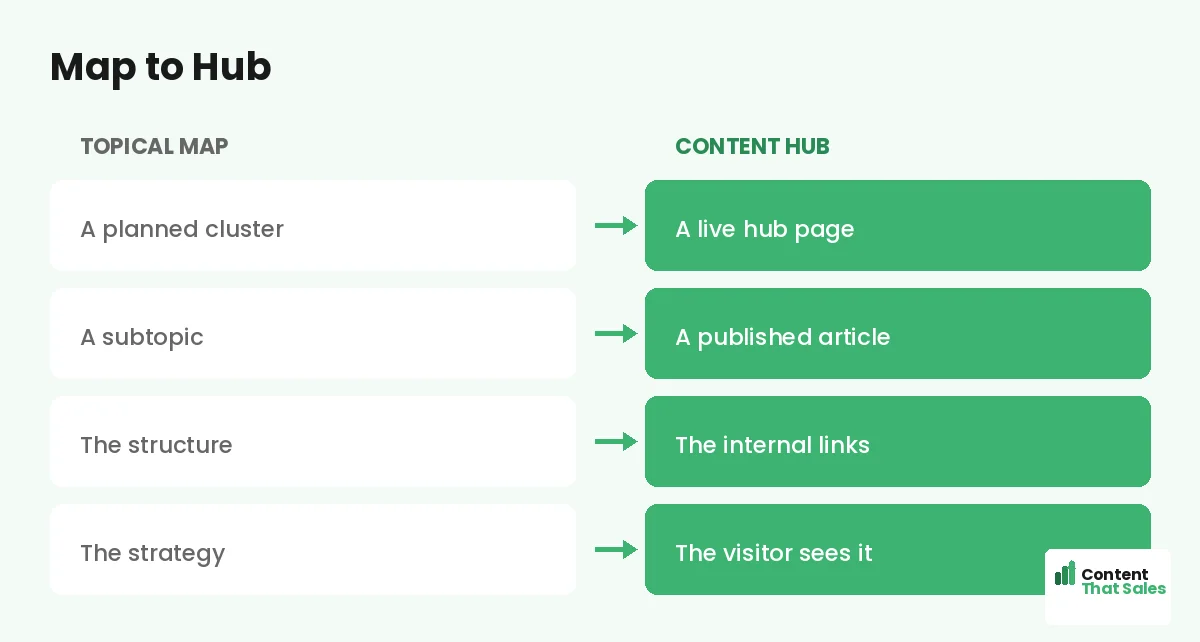
The map becomes the hub when you publish. Each planned cluster on your topical map turns into a content hub on your site: the pillar page goes live, the supporting pages go live, and you link them together as the map prescribed.
So the workflow is clear: plan the map, then build the hub. The structure you designed in the map, pillar and supporting pages with internal links, becomes the live hub visitors browse. The map guides exactly how the hub is built.
When to Use the Topical Map
Use the topical map during planning. It is the tool for deciding what to cover, finding gaps, grouping clusters, and designing your structure. Any time the question is “what should we build and how should it connect,” the map is where you work.
The map is also where you track progress, marking which pages are planned, written, or live. It is the living strategy behind your content. You return to it to plan new clusters and keep your coverage complete over time, much like scheduling with a content calendar.
When to Use the Content Hub
The content hub is what you build and maintain on your site. Use the hub concept when you are creating the live pages, linking them, and presenting them to visitors. It is where your strategy meets your audience and your rankings happen.
The hub is also a navigation aid for visitors, helping them explore a subject through connected pages. Since readers scan more than they read, a well-linked hub keeps them moving between related pages and deepens engagement.
Did you know?
A content hub is essentially a topical map made visible: the same clusters and links, but published and navigable for both visitors and search engines.
Why You Need Both
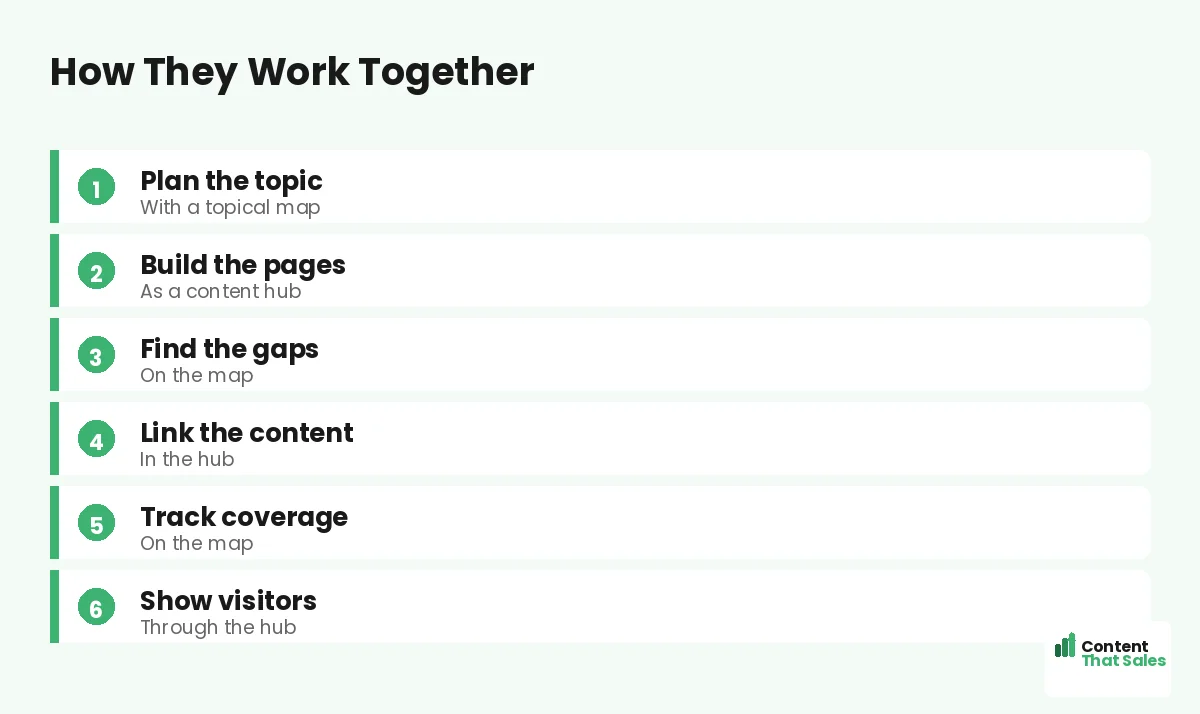
You need the map to plan and the hub to publish. Without a map, your hub lacks strategy and may have gaps. Without a hub, your map is just a plan that never reaches an audience. The two are stages of one process, not alternatives.
Think of it as design and construction. The map is the architect’s plan; the hub is the constructed building. You would not build without a plan, and a plan with nothing built helps no one. Both are essential to the outcome.
The Map Ensures the Hub Is Complete
One big benefit of starting with a map is that your hub ends up complete. Because the map lays out every subtopic, the hub you build covers the subject fully, with no missing pages. The map prevents the gaps that weaken many hubs.
A hub built without a map often has holes, popular pages but missing subtopics. The map guarantees full coverage, so the hub demonstrates real authority. Planning first is what makes the published hub thorough and trustworthy to Google.
Map, Hub, and Authority
Together, the map and hub build topical authority. The map plans complete coverage; the hub publishes it as connected pages. That published, interlinked coverage is exactly what signals expertise to Google and lifts your rankings across the subject.
This is the practical path to topical authority: plan with the map, build the hub, and let the connected pages demonstrate your expertise. The map and hub are two halves of how authority gets built and shown.
Avoid the Confusion
The confusion clears up once you remember: the map is the plan, the hub is the published pages. When someone says “build a content hub,” they mean create the live cluster. When someone says “make a topical map,” they mean plan the coverage.
Keep the roles straight and your process flows: map first to plan, then build the hub to publish. The terms describe different stages, not competing strategies. Use both, in order, and your content is both well-planned and well-built.
Put It All Together
A topical map is the behind-the-scenes plan of what you will cover; a content hub is the live, connected set of pages on your site. The map is the blueprint, the hub is the build. Plan with the map, then publish it as the hub.
You need both, in order: the map ensures complete, strategic coverage, and the hub makes it real for visitors and Google. Simple, clear content keeps winning, since easy reading lifts engagement. Map it, build it, and your authority grows.
How Content That Sales Helps
We plan the map and build the hub. That’s where we come in. At Content That Sales, we design your topical map for complete coverage, then write and link the live pages that become your content hub.
You share your subject and goals. We plan the structure, create the pillar and supporting pages, and link them into a hub that ranks. The result is a strategy made real, complete coverage published and connected on your site.
Ready to Build Your Hub?
Now you know the difference: a topical map is the plan, a content hub is the published pages, and the map becomes the hub when you build it. A hub without a plan has gaps. So why not plan first, then build right?
Let’s map your subject and build your hub. Book your free consultation now. Call us at 8801631988589 or email service@contentthatsales.com. Let’s turn your plan into published, ranking content.
Frequently Asked Questions About Topical Map vs Content Hub
What is the difference between a topical map and a content hub?
A topical map is the behind-the-scenes plan of what you will cover; a content hub is the live, connected set of pages on your site. One is the blueprint, the other the build.
How does a map become a hub?
When you publish. Each planned cluster on the map turns into a live hub: the pillar and supporting pages go live and are linked together as the map prescribed.
Do I need both?
Yes. The map plans complete, strategic coverage; the hub publishes it for visitors and Google. They are stages of one process, not alternatives.
Can I build a hub without a map?
You can, but it often has gaps. A hub built without a plan misses subtopics that weaken its authority. Plan with a map first, then build.
Where does each one live?
The map lives in your planning tool, like a spreadsheet. The hub lives on your website, where visitors and search engines see it.
How do they build authority?
The map plans complete coverage; the hub publishes it as connected pages. That published, interlinked coverage signals expertise to Google.
Are the terms interchangeable?
No. The map is the plan; the hub is the published pages. They describe different stages of the same process, not competing strategies.
Can Content That Sales help?
Yes. We design your topical map and build the live, linked content hub that ranks. Reach out for a quick quote.