 Skip to content
Dynamic keyword insertion on landing pages is a technique that automatically swaps the visitor’s searched term into your page copy, so a single page can mirror many different searches and feel custom-made for each one. Done well, it deepens message match, lifts relevance, and helps one page serve a whole set of keywords. Done badly, it produces awkward, spammy text that hurts trust. This guide explains what dynamic keyword insertion is, how it boosts match, and how to use it safely.
The promise is appealing: instead of building a separate page for every keyword, you build one smart page that adapts. The reader sees their exact term reflected back, which feels relevant and personal. The catch is that without care, the swap can read like broken, robotic copy.
Below, we cover what dynamic keyword insertion is, how it helps, the pitfalls to avoid, and the safe way to put it to work.

What Dynamic Keyword Insertion Is
Dynamic keyword insertion, often shortened to DKI, automatically inserts the keyword tied to a click into your page text. If someone searches “emergency plumber” and your system supports it, the page headline can read “Emergency Plumber, Available Now” without you writing a separate page.
It works through a placeholder in your copy that fills with the relevant term. The goal is to make one page feel tailored to many searches, deepening the match between the ad, the search, and a strong landing page structure.
How DKI Boosts Message Match
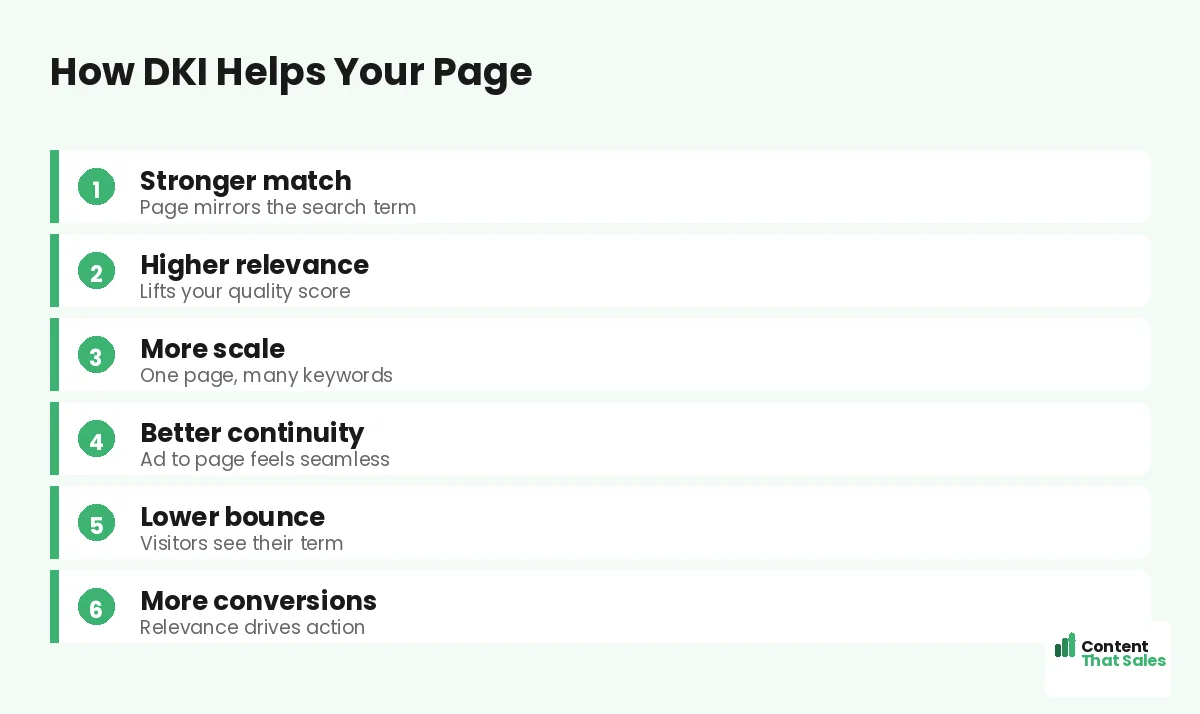
The power of DKI is relevance at scale. By showing the visitor’s exact search term on the page, it strengthens message match without building dozens of pages. The visitor sees their words and instantly feels they are in the right place.
That continuity from search to ad to page lowers bounce and can lift your landing page quality score. DKI is essentially automated message match between ads and pages, letting one page deliver the tight relevance that normally takes many separate pages to achieve.
The Main Benefit: Scale
The biggest reason to use DKI is scale. If you target dozens of similar keywords, building a unique page for each is a lot of work. DKI lets one well-built page cover the whole set while still feeling specific to each searcher.
This saves time and keeps your account simpler. Instead of managing many near-identical pages, you maintain one smart page. For large keyword lists with a common theme, that efficiency is the real win DKI offers.
Pitfall 1: Awkward Grammar
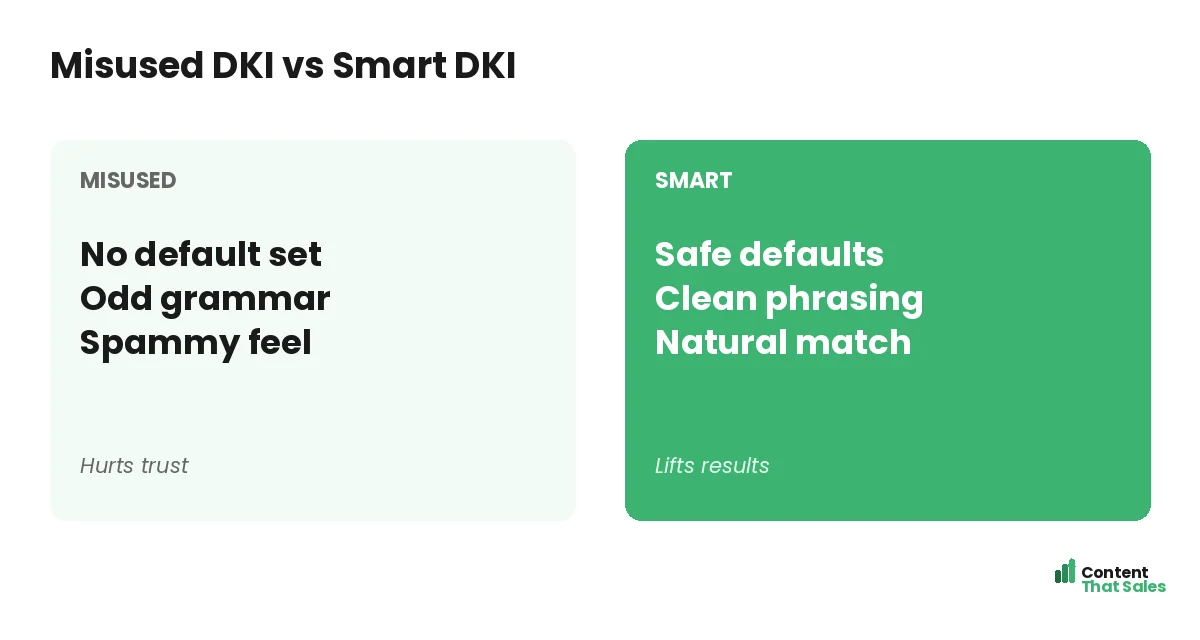
The classic DKI failure is grammar. Keywords do not always fit your sentence cleanly. A placeholder that works for “plumber near me” might read terribly for “24 hour emergency plumbing services downtown.” The result is clumsy, off-putting copy.
To avoid this, write the surrounding copy to flex around different terms, and keep inserted phrases short. Test how your real keyword list reads in the slot. If a term breaks the sentence, your default text should catch it before the visitor sees it.
Pitfall 2: No Default Set
Every DKI setup needs a default phrase for when the keyword does not fit or is missing. Skip the default and visitors can land on broken or blank text where the keyword should be. That instantly destroys trust and wastes the click.
Always set a sensible, natural default that reads well on its own. The default is your safety net. With it in place, even an odd or missing keyword still shows clean, professional copy instead of an obvious technical glitch.
Pitfall 3: A Spammy Feel
Overusing DKI makes a page feel robotic and manipulative. If the keyword is jammed into every heading and sentence, the visitor senses the trick. Since readers scan more than they read, repeated, forced keywords stand out as spam.
Use DKI sparingly, mainly in the headline and one or two key spots. The rest of the page should be natural, helpful copy. A light touch keeps the relevance benefit without making the page feel like a keyword machine.
Did you know?
A single missing default phrase can leave a blank or broken headline on your page, turning a clever relevance trick into an obvious glitch that scares visitors off.
How to Use DKI Safely
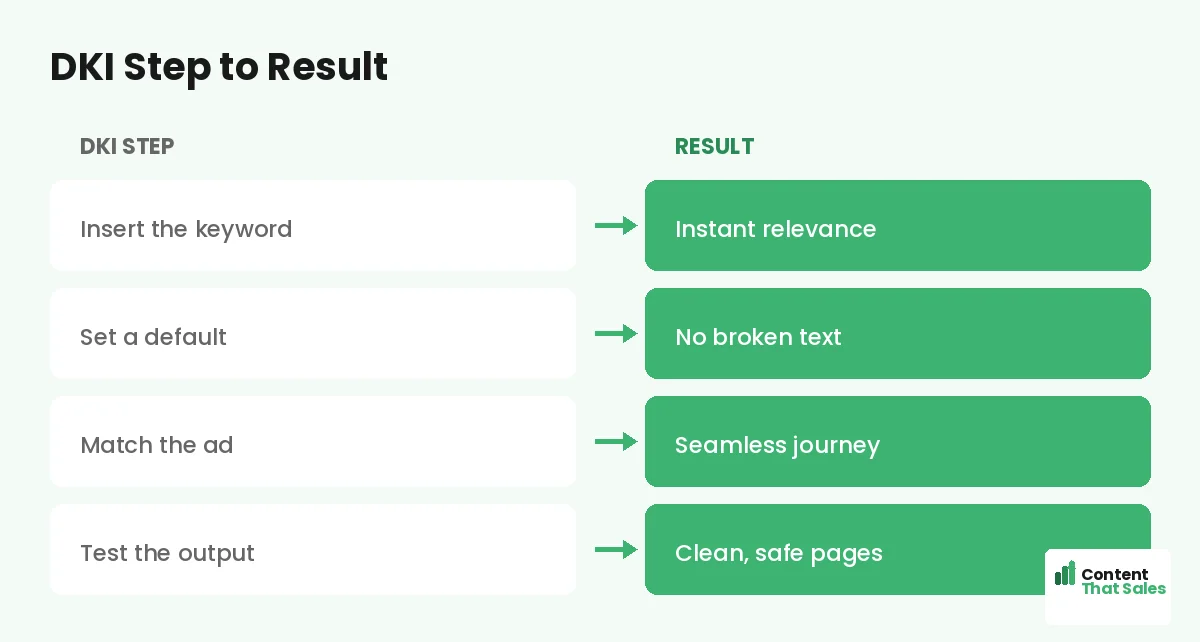
Safe DKI comes down to a few rules. Set a strong default. Keep inserted terms short and clean. Write flexible surrounding copy. Limit DKI to the headline and a key spot or two. And always test with your real keyword list before going live.
Think of DKI as a sharp tool that needs a steady hand. Used with these guardrails, it boosts relevance safely. Used carelessly, it produces the awkward, spammy pages that give the technique a bad name. Discipline makes the difference.
When to Use DKI and When Not To
DKI shines when you have many similar keywords with a common theme and want one page to serve them all. It is less useful when your keywords vary widely in intent, since one page cannot truly match very different searches.
For high-value or very different keyword groups, dedicated pages still win. DKI is a scale tool, not a replacement for focused pages where they matter. A ready landing page copy template helps you build those focused pages where DKI would not fit.
DKI Is Not a Substitute for Good Copy
It is tempting to think DKI alone makes a page relevant. It does not. Swapping in a keyword helps the match, but the rest of the page still has to persuade. A page with great keyword insertion and weak copy will still fail to convert.
Treat DKI as one ingredient in a strong page, not the whole recipe. The headline match grabs attention, but the benefits, proof, and CTA do the converting. Build a genuinely good page first, then add DKI to scale its relevance.
Test the Output, Every Time
Before any DKI page goes live, run your full keyword list through it and read each result. Look for broken grammar, missing defaults, and spammy repetition. One bad combination can embarrass your brand and waste clicks, so testing is not optional.
Keep testing as you add keywords. Simple, clear copy keeps winning, since easy reading lifts conversions, so make sure every inserted version still reads cleanly. Careful testing is what keeps DKI an asset instead of a liability.
Put It All Together
Dynamic keyword insertion can lift relevance at scale by mirroring the searcher’s term on the page, but only with a strong default, clean grammar, light use, and thorough testing. Used well, it deepens message match across many keywords from a single page.
Used carelessly, it backfires with awkward, spammy copy. Treat DKI as a precise tool with guardrails, build a genuinely strong page underneath it, and it becomes a smart way to scale the relevance that lowers costs and lifts conversions.
How Content That Sales Helps
We make relevance work without the risks. That’s where we come in. At Content That Sales, we write pages with clean, flexible copy that supports techniques like DKI, so your pages stay relevant and professional at scale.
You share your keywords and your offer. We build pages that match the search, read naturally, and convert, with the guardrails that keep automation safe. The result is relevance at scale without the spammy, broken copy.
Ready to Scale Relevance Safely?
Now you know how dynamic keyword insertion on landing pages can lift relevance at scale, and how to use it safely with strong defaults, clean copy, and careful testing. Used well, it deepens message match. So why risk spammy, broken pages?
Let’s build pages that scale relevance the right way. Book your free consultation now. Call us at 8801631988589 or email service@contentthatsales.com. Let’s turn your next click into your next customer.
Frequently Asked Questions About Dynamic Keyword Insertion
What is dynamic keyword insertion?
DKI automatically swaps the visitor’s searched keyword into your page copy, so one page can mirror many searches and feel tailored to each, usually via a placeholder in the text.
How does DKI help?
It deepens message match at scale. Showing the visitor’s exact term strengthens relevance, lowers bounce, and can lift quality score without building many pages.
What is the main benefit?
Scale. One smart page can serve a large set of similar keywords while still feeling specific, saving you from building a unique page for each term.
What is the biggest pitfall?
Awkward grammar when a keyword does not fit the sentence, and missing defaults that leave broken or blank text. Both destroy trust instantly.
Why do I need a default phrase?
It is your safety net. When a keyword is missing or does not fit, the default shows clean copy instead of broken or blank text. Always set one.
When should I not use DKI?
When your keywords vary widely in intent. One page cannot truly match very different searches, so high-value or distinct groups still need dedicated pages.
Does DKI replace good copy?
No. It helps the match, but the benefits, proof, and CTA still do the converting. Build a strong page first, then add DKI to scale its relevance.
Can Content That Sales help?
Yes. We write clean, flexible pages that support DKI safely, keeping them relevant and professional at scale. Reach out for a quick quote.