 Skip to content
A topical map strategy for ecommerce stores helps you rank and sell by surrounding your product and category pages with the guides, comparisons, and answers that shoppers search for before they buy. Most ecommerce sites publish product listings and stop, leaving the informational searches, where buying decisions begin, to competitors. A topical map captures that traffic and funnels it to your products. This guide shows you how to plan one.
Shoppers rarely search only for exact products. They look for buying guides, comparisons, how-tos, and answers to questions, long before they hit a product page. Cover those searches and you meet buyers early, build trust, and guide them to purchase.
Below, we walk through what an ecommerce topical map should cover, how to structure it around categories and content, and how to connect it all to sales.

Why Ecommerce Needs More Than Products
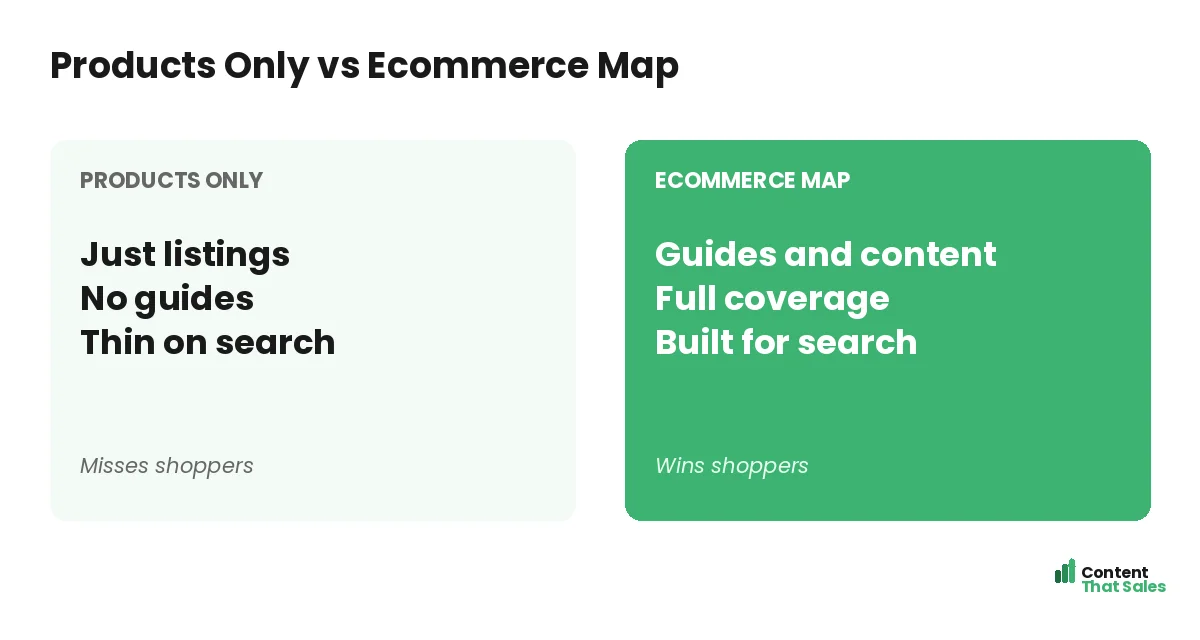
Product and category pages are essential, but they only capture shoppers ready to buy. Most search traffic happens earlier, when people are researching. A topical map adds the content that captures those researchers and guides them toward your products.
Without this content, you miss the top of the funnel entirely. A map ensures you cover the full shopping journey, from “what should I look for” to “buy now.” If you are new to the concept, see our guide on what a topical map is.
Start With Your Categories
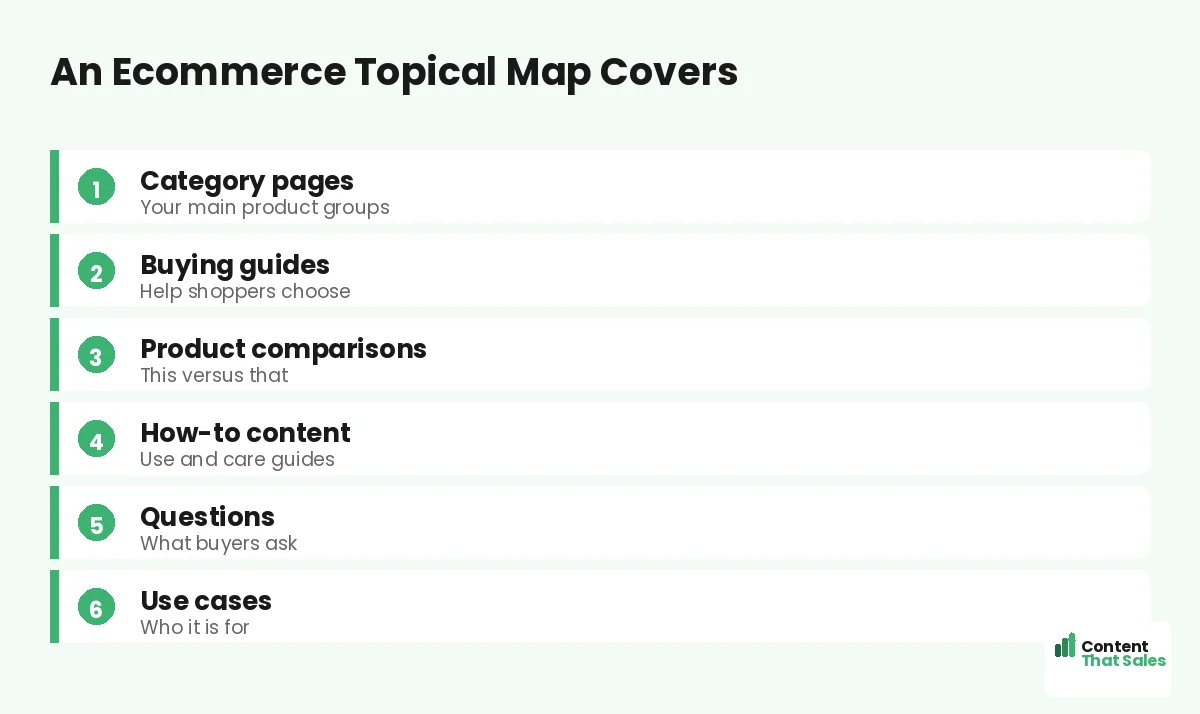
Your core topics are your main product categories. Each category is a hub that your supporting content and product pages branch from. If you sell outdoor gear, categories like “tents” or “hiking boots” anchor your map and your store structure.
Strong category pages serve as pillars, broad pages that link to specific products and related content. Building your map around categories aligns your SEO structure with your store, so content and commerce reinforce each other, the same idea as defining a clear core topic for your topical map.
Add Buying Guides
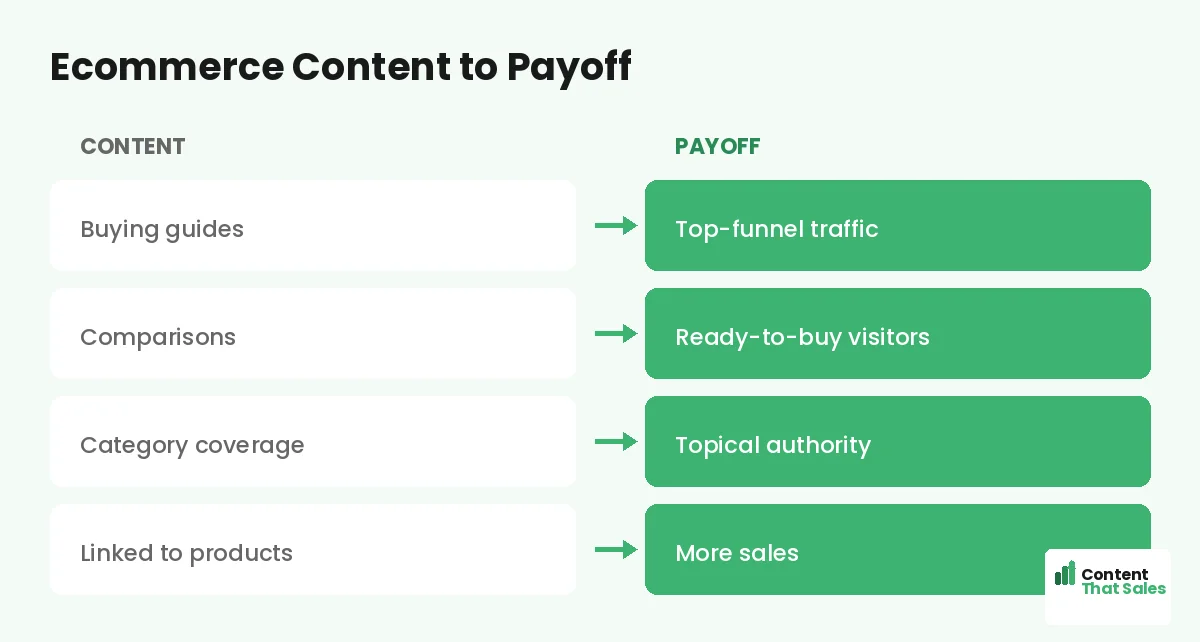
Buying guides are the workhorses of ecommerce content. A guide like “how to choose a tent” captures shoppers researching their purchase and positions your store as the helpful expert. Guides bring in top-funnel traffic and lead it toward your products.
Each category deserves a buying guide that explains what to look for and links to your relevant products. Since readers scan more than they read, make guides scannable, with clear advice and easy paths to the products you recommend.
Create Product Comparisons
Shoppers compare before they buy, so comparison content is gold. Map pages comparing products, brands, or types, like “this material versus that” or “product A versus product B.” These pages catch buyers close to a decision and steer them to the right product.
Comparisons are high-intent and high-converting, because the shopper is choosing. Be genuinely helpful, lay out the trade-offs, and link to the products that fit each need. Mapping comparisons captures buyers exactly when they are ready to commit.
Answer Buyer Questions
Shoppers have endless questions: how to use a product, how to care for it, what size to pick, whether it suits their need. Map a page or section for each common question. Answering them builds trust and captures informational searches.
Question content also reduces returns and support load by setting clear expectations. It brings in searchers who then discover your products. Mapping the real questions your customers ask rounds out your coverage and deepens shopper trust.
Cover Use Cases and Audiences
Map content for who your products are for and how they are used. Pages like “best gear for beginners” or “tents for families” target specific shoppers and their needs. Use case content helps buyers see that your products fit their situation.
These pages capture searches that broad category pages miss, and they speak directly to a shopper’s identity and need. Mapping use cases and audiences widens your reach and connects more shoppers to the right products in your store.
Did you know?
Much of ecommerce search happens before the product search, so stores that cover buying guides and comparisons capture shoppers competitors never reach.
Structure the Map Around Categories
Organize your ecommerce map into clusters by category. Each cluster has a category pillar, supporting content like guides and comparisons, and the product pages themselves. This structure mirrors your store and covers each category completely.
Within a cluster, the buying guide, comparisons, and question pages all support the category and its products. Filling each category cluster fully builds the topical authority that makes your store the authoritative destination for that category, in both content and commerce.
Link Content to Products
The key to ecommerce content is connecting it to sales. Every guide, comparison, and question page should link to the relevant products and category pages. This guides researching shoppers smoothly from reading to buying.
Internal linking also spreads authority to your product and category pages, helping them rank too. A buying guide that links to products passes both traffic and SEO value. Tight content-to-product linking is what turns informational traffic into sales.
Keep Product Pages Strong Too
While content captures researchers, your product and category pages must still convert and rank. Write unique, helpful descriptions, not manufacturer boilerplate, and optimize them for their keywords. The map surrounds strong product pages, it does not replace them.
Treat product pages as part of the map, each with its target keyword and links to related content. When researching shoppers arrive from a guide, a strong product page closes the sale. Content and product pages must both pull their weight.
Grow the Map Over Time
Start with your top categories and their core guides and comparisons, then expand. Add content for new categories, seasonal needs, and emerging questions. A living ecommerce map keeps pace with your catalog and your shoppers, executed through a steady topical map strategy.
Simple, clear content keeps winning, since easy reading lifts engagement. Keep adding guides, comparisons, and answers around your categories, and your store’s authority and traffic grow. Over time, you capture the whole shopping journey, not just the final click.
Put It All Together
A topical map strategy for ecommerce stores surrounds your categories and products with buying guides, comparisons, question content, and use cases, all structured into category clusters, linked to products, and built to convert. It captures shoppers before the product search.
Products alone capture only ready buyers; a map captures the whole journey. Cover the research, comparisons, and questions that lead to purchase, link them to your products, and your store ranks and sells far beyond its listings alone.
How Content That Sales Helps
We map and write ecommerce content that sells. That’s where we come in. At Content That Sales, we plan your category map, write buying guides and comparisons, and link them to your products so you rank and convert.
You share your categories and products. We map the shopping journey, write the guides and comparisons that capture researchers, and link them to your store. The result is content that brings in shoppers early and sends them to buy.
Ready to Rank and Sell?
Now you have a topical map strategy for ecommerce stores: surround your categories with guides, comparisons, and answers, all linked to products. Most shopping search happens before the product page. So why leave that traffic to competitors?
Let’s map your store and capture the whole journey. Book your free consultation now. Call us at 8801631988589 or email service@contentthatsales.com. Let’s turn shopper research into sales.
Frequently Asked Questions About Ecommerce Topical Maps
Why do ecommerce stores need a topical map?
Product pages only capture ready buyers. Most search happens earlier, during research. A map adds the guides and comparisons that capture researchers and guide them to your products.
What should the core topics be?
Your main product categories. Each category is a hub that supporting content and product pages branch from, aligning your SEO with your store structure.
What are buying guides?
Content like how to choose a product that captures shoppers researching a purchase, positions you as the expert, and links them toward your relevant products.
Why do comparison pages matter?
Shoppers compare before buying. Comparison pages catch them near the decision and are high-converting, steering them to the right product in your store.
Should I answer buyer questions?
Yes. Question content builds trust, captures informational searches, and can reduce returns and support load by setting clear expectations before purchase.
How do I connect content to sales?
Link every guide, comparison, and question page to relevant products and categories. This guides researchers to buy and spreads authority to product pages.
Do product pages still matter?
Yes. The map surrounds strong product pages, it does not replace them. Write unique descriptions and optimize them so they convert and rank too.
Can Content That Sales help?
Yes. We map your categories and write the guides and comparisons that capture shoppers and link to your products. Reach out for a quick quote.